
The market is flooded with professional laptops, especially in the sub-Rs. 1,50,000 price segment. With a plethora of options available, the competition is arguably the stiffest in this bracket, with each OEM trying to offer more value. One of the most recognisable names and one of the most formidable players in the business machines space is Hewlett-Packard, otherwise known as HP. The company has been building laptops for more than 42 years; ergo, the strong brand association with laptops and the italicised HP logo.
Recently, the company launched a new laptop in India, the HP ProBook 4 G2a, priced at Rs. 1,35,000. Aimed at serving the needs of officegoers and other professionals, the laptop promises to be your next daily driver. But is it worth the price?
HP ProBook 4 G2a Design and Build: Basic But Solid
- Dimensions – 318.6 x 224.3 x 11~17 mm
- Weight – 1.41kg
- Colour – Grey
The HP ProBook 4 G2a offers a solid aluminium build, with barely any keyboard flex. It retains the classic HP design we have already seen, blending perfectly in a professional environment. Subtlety is the name of the game when it comes to a work laptop, and the HP ProBook 4 G2a stays true to that ethos, representative of its purpose-built nature.
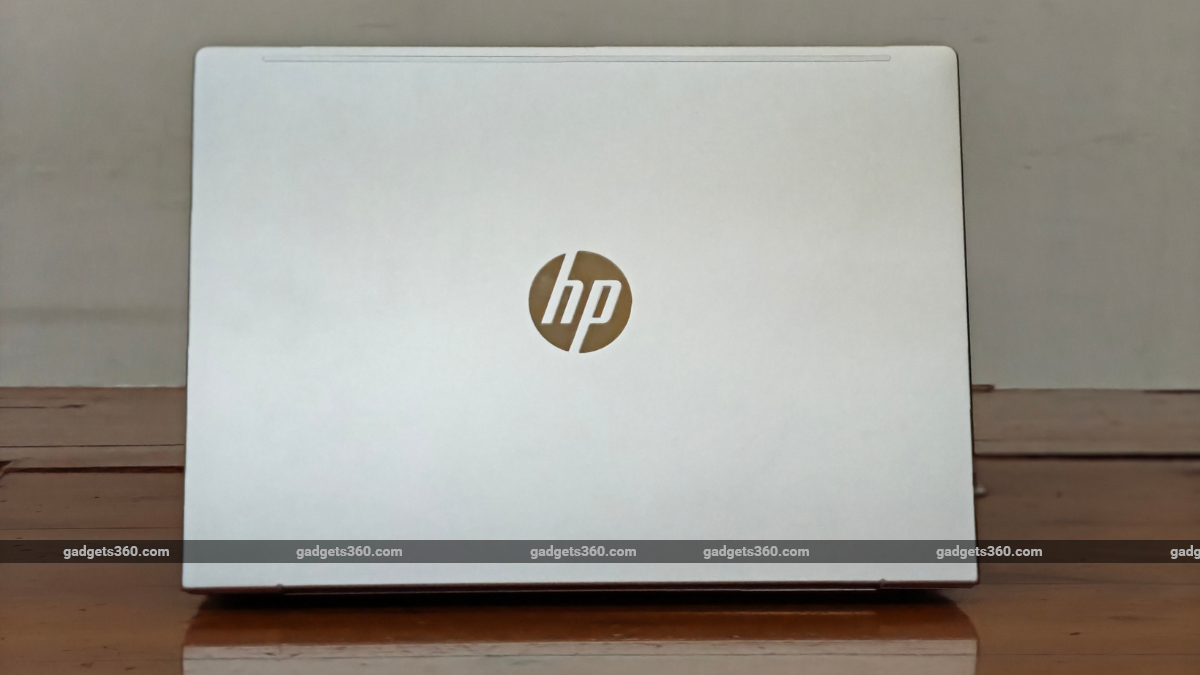
HP ProBook 4 G2a sports the classic HP design
Since it is not flashy, the HP ProBook 4 G2a does not catch many eyes. The iconic italicised HP logo at the back, finished in metallic silver, does not give much away at first glance, making it a perfect offering for officegoers. However, I would have appreciated it more if the company had used the new HP logo, as seen on modern, higher-end HP laptops.
This aspect makes the HP ProBook 4 G2a appear dated rather than a modern machine. On top of this, the wobbly upper flap, a problem found on most Windows laptops, leaves a negative impression with users. The laptop is easy to carry with one hand, but the smooth finish makes it harder to grip.
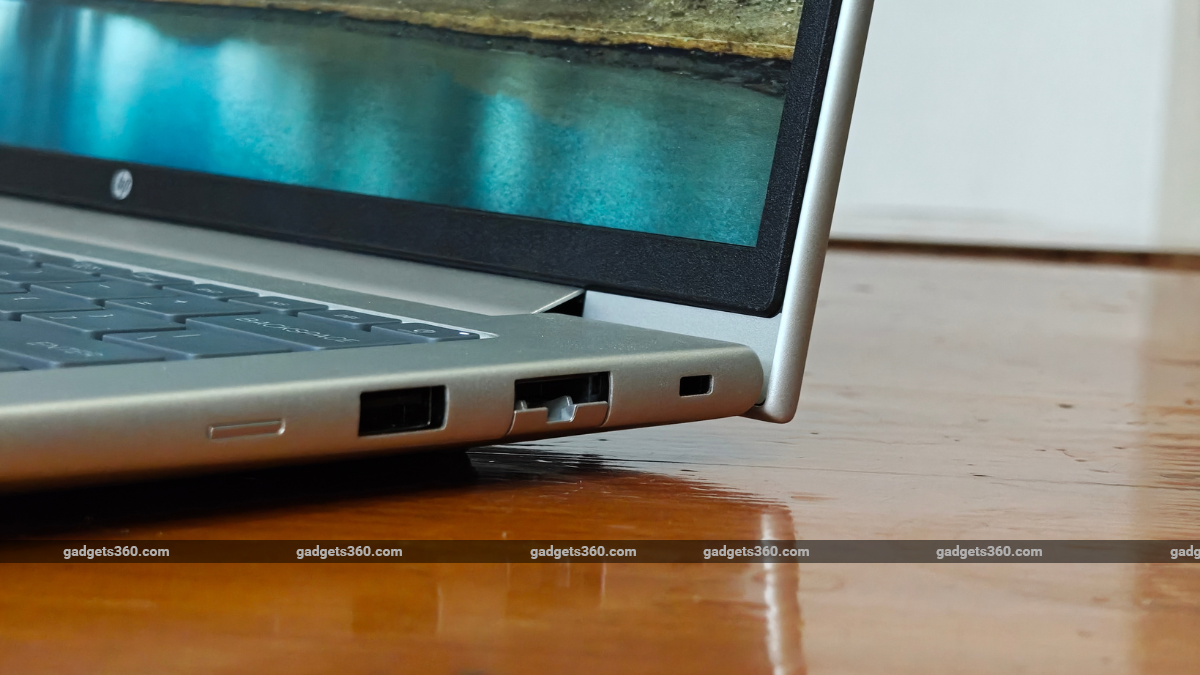
The I/O ports on the HP ProBook 4 G2a are well-placed
In terms of practicality, the 14-inch model is perfect for people who have to travel long distances with their laptops on their backs. It is only 11mm thick when closed, which means it can easily fit inside any bag you carry. On the other hand, the HP ProBook 4 G2a feels slightly heavier than its thin-and-light competitors, tipping the scales at 1.41kg. It is offered in a single Grey colourway, which again maintains the professional look HP promises.
HP’s long legacy of building laptops also translates well into intuitively placed I/O ports. There’s enough space between the ports to allow USB cables with wider heads to plug in at the same time.
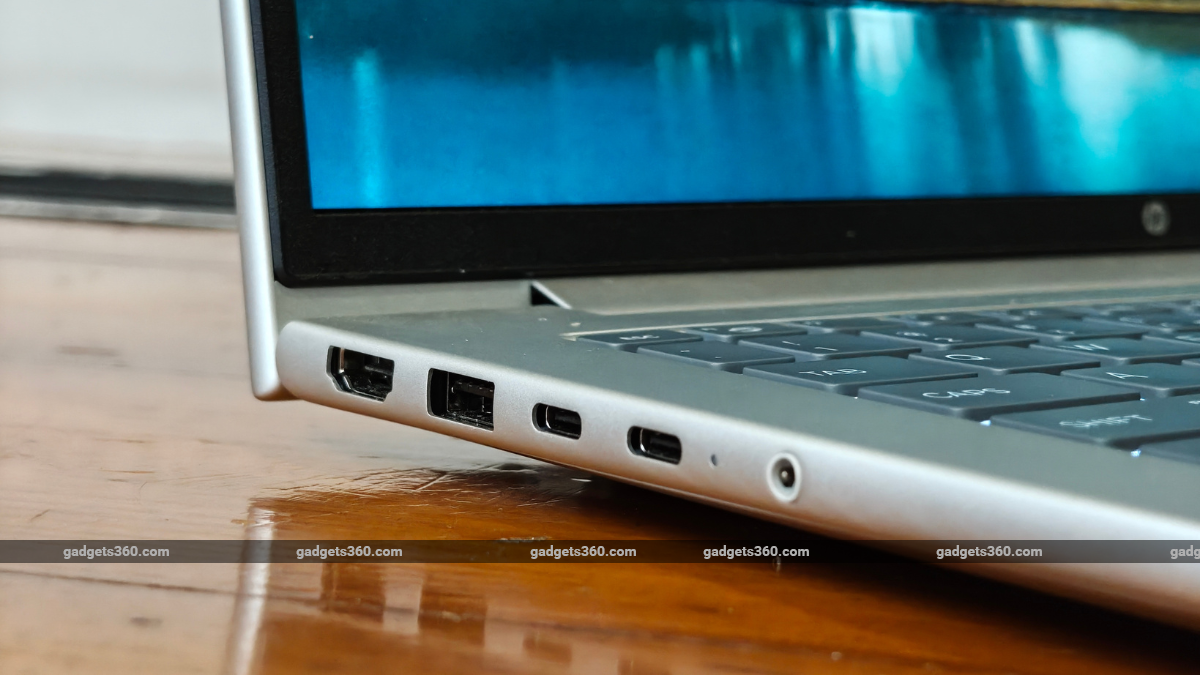
HP ProBook 4 G2a I/O ports
Overall, the HP ProBook 4 G2a is an almost perfectly built professional laptop, with a few compromises that you can learn to live with.
HP ProBook 4 G2a Display: Touch Response Steals the Show
- Size and Resolution – 14-inch OLED, 2.5K (2560 x 1600 pixels), 16:10
- Refresh Rate – 120Hz Variable Refresh Rate
- Brightness – 300 nits (SDR)
- Coating – Anti-glare matte
My experience with the HP ProBook 4 G2a was mixed. I found a few aspects to be really well-done, while others were slightly off-putting. The 14-inch OLED panel offers 2.5K resolution, with 2,560 pixels horizontally and 1,600 vertically. Prima facie, the laptop gets a great display. I was extremely impressed with the laptop’s fast touch response. The matte finish further elevated the touch experience.
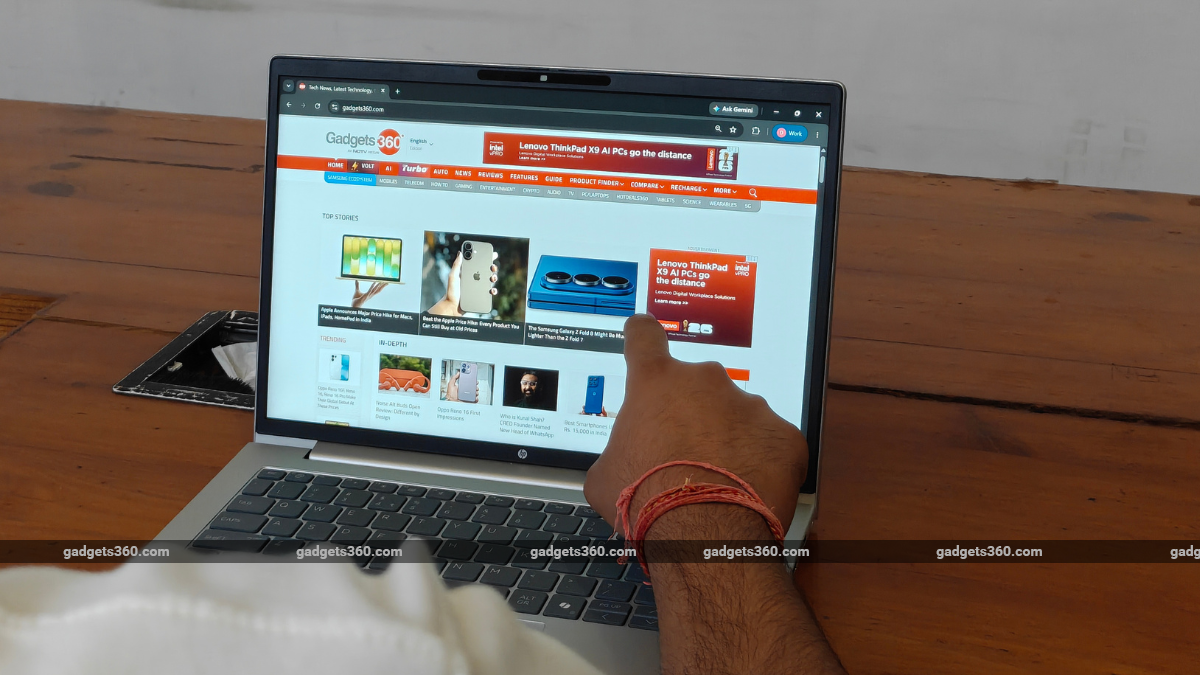
HP ProBook 4 G2a offers one of the best touchscreen responses among the competition
Scrolling through the screen with your fingers almost feels like you are swiping through the touchscreen of a tablet. It has one of the most responsive touchscreens among the competition. The 120Hz variable refresh rate also performs well in real-world use. The screen shows barely any jitter, a common issue on other laptops. The viewing angles also seemed fine for the most part.
The 2.5K resolution standard also makes visuals appear crisp for the most part. The laptop is decent for watching long-form content, like movies and shows. Thanks to its OLED panel, the deep blacks help lift the visuals. I watched the latest episode of India’s Got Talent Season 2, Episode 1, on Netflix. While the episode was lukewarm, the visuals remained sharp.
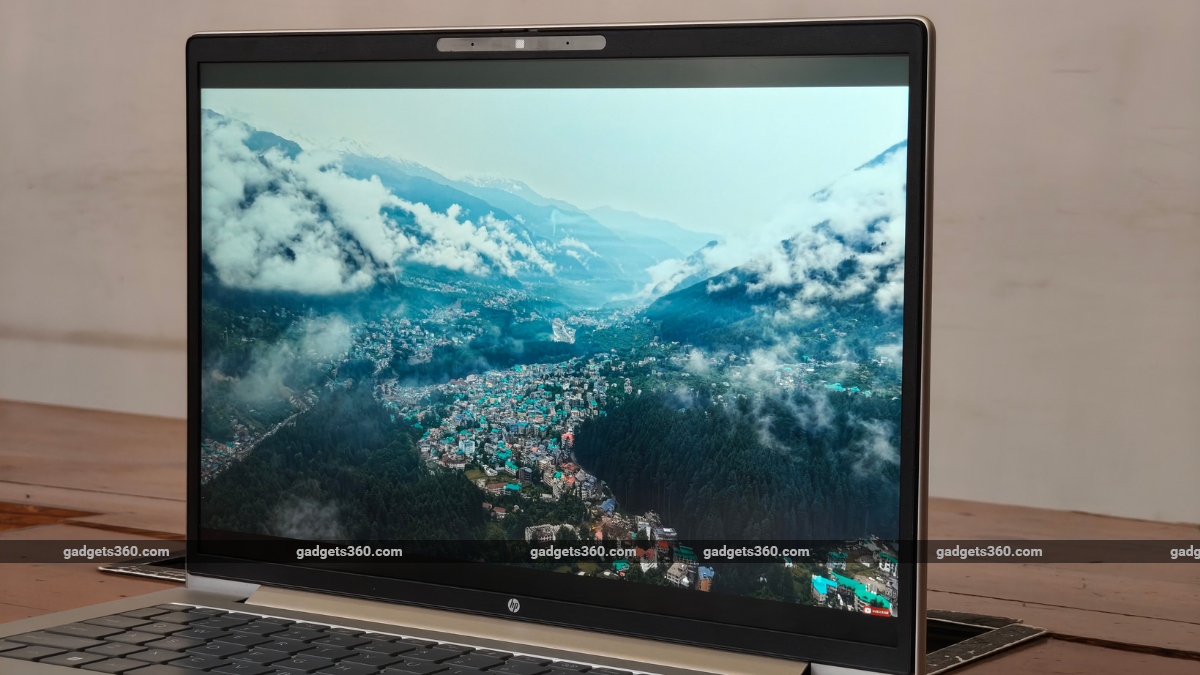
HP ProBook 4 G2a display quality
HP has equipped the laptop with an anti-glare coating, which is a nice addition. The peak brightness of 300 nits makes the HP ProBook 4 G2a almost perfect for indoor use. While it is not meant to be used outdoors, in the off-chance you do, the display leaves you wanting more in terms of brightness.
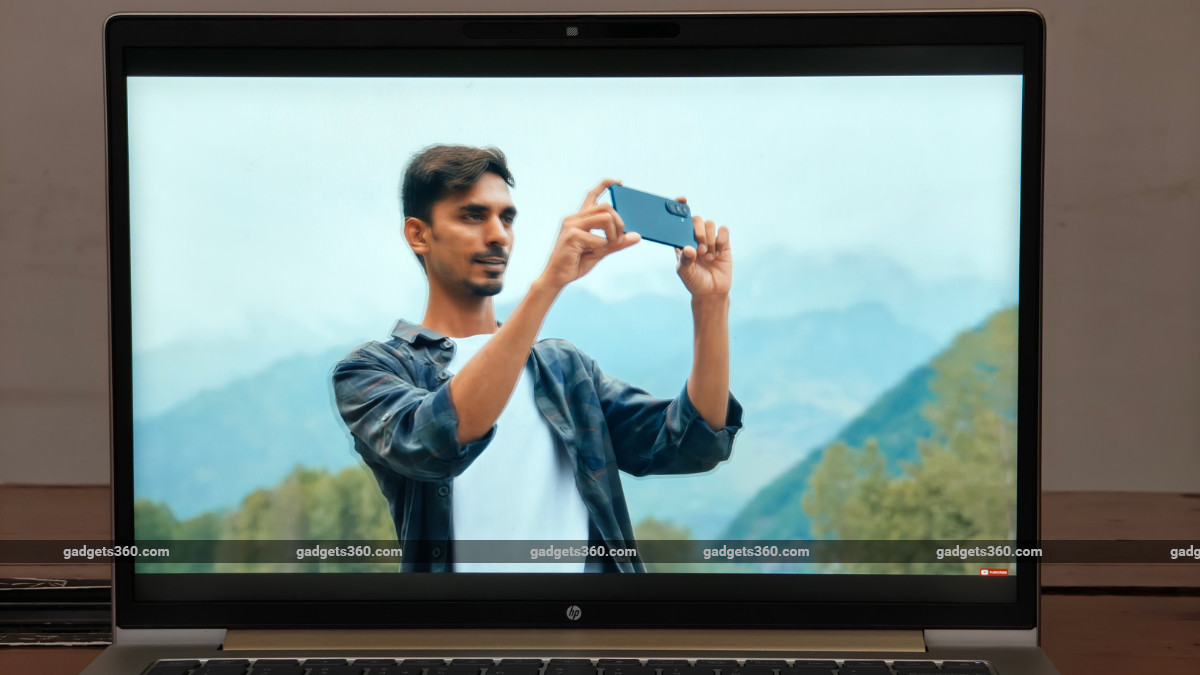
HP ProBook 4 G2a sports a sharp display
Similarly, there was a slight yellow tint on our display, even with the eye protection turned off. While you can eventually learn to live with these issues, the undersaturated display bothered me throughout my testing. Some primary colours, most prominently Red, appeared washed out. The lack of pop in colours makes visuals appear pale, dampening the overall experience.
HP ProBook 4 G2a Keyboard, Touchpad, Speakers, and Webcam: Cluttered, Yet Decent
- Keyboard: Backlit
- Webcam: 5-megapixel, HDR
- Speakers: Dual stereo
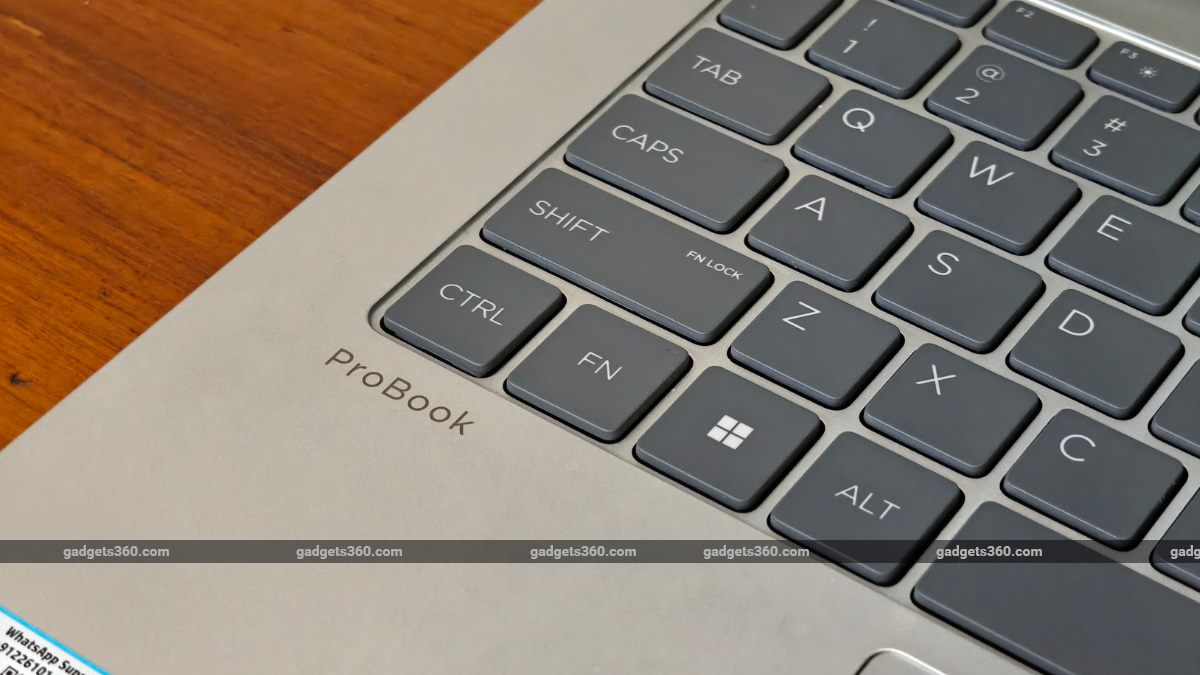
The HP ProBook 4 G2a sports a standard backlit keyboard. Typing away on the laptop, I found myself inadvertently hitting the page up and page down buttons instead of the right and left arrow keys. I initially took it as a learning curve. However, after extended use, I realised I was making the mistake because of the key size.
Its backlit keyboard features extremely small left- and right-arrow keys, placed under the page-up and page-down buttons, respectively. HP decided to cram the navigation keys and other buttons into a small space in the bottom-right corner of the keyboard, making it extremely difficult to hit the button you intend to press.
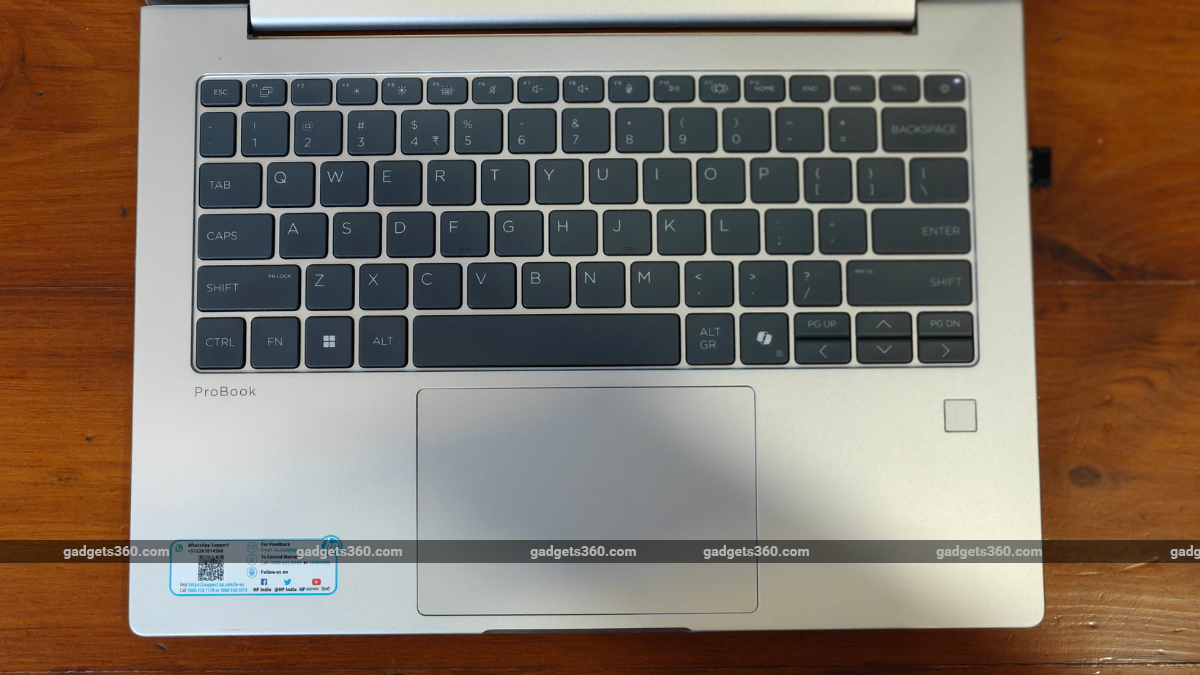
HP ProBook 4 G2a’s arrow keys are crammed
The Copilot key is placed next to it. However, it was large enough not to be accidentally pressed. Apart from this, the typing on the HP ProBook G2a is breezy, simple, and easy to conquer. The key travel is short enough not to take you away from conventional laptop keyboards. It strikes a decent balance, enabling faster and more confident typing.
However, the keyboard backlighting seems a bit too dim for my liking. However, it is still enough for pitch-dark environments.
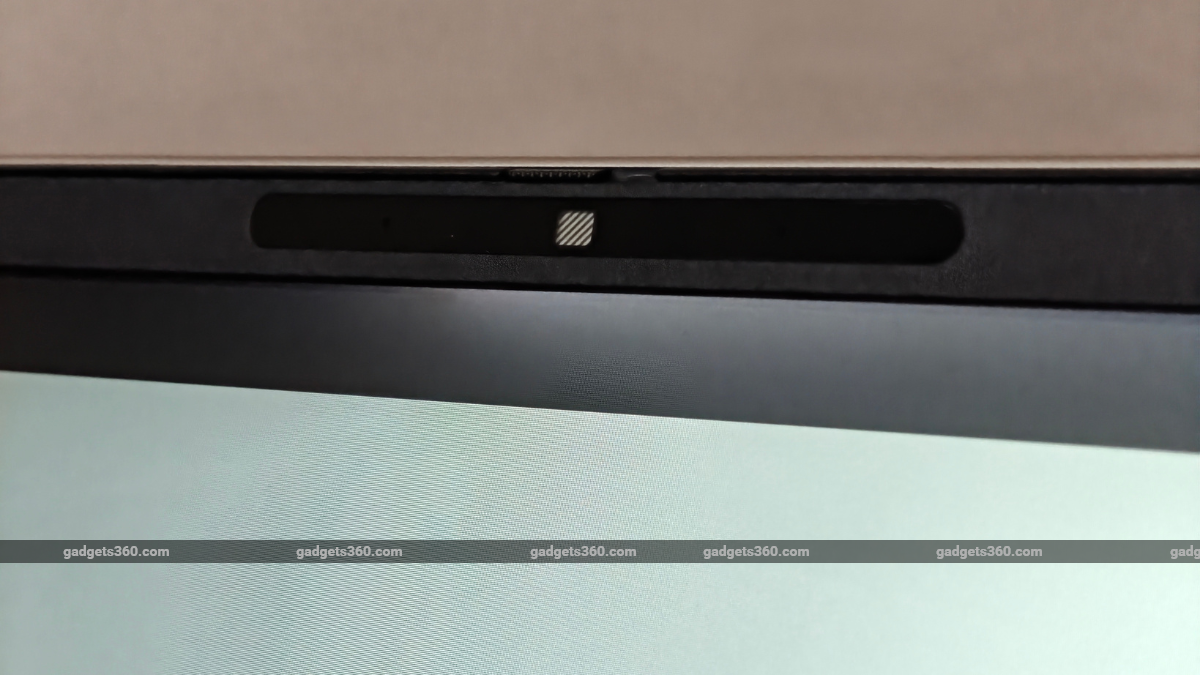
HP ProBook 4 G2a features a webcam privacy shutter
Moving on, the HP ProBook 4 G2a is equipped with a 5-megapixel HDR webcam, which is great for video conferencing. The tech firm has also equipped it with a slidable camera shutter, a must-have privacy feature. The microphone picked up my voice well. Hence, you do not always need to put on headphones for your next video call.
On the other hand, the dual-stereo speaker setup on the HP ProBook 4 G2a is slightly underwhelming. While the sounds are crisp, with decent highs and lows for a laptop speaker unit, it could have done better with louder drivers.
HP ProBook 4 G2a Performance: Never Out of Its Depth
- Processor: AMD Ryzen AI 7 445
- NPU: AMD Ryzen AI
- Graphics: AMD Radeon 860M
- Memory and Storage: Up to 64GB DDR5, Up to 1 TB PCIe NVMe M.2 SSD
The HP ProBook 4 G2a, thanks to its AMD Ryzen AI 7 445 processor, can handle almost all day-to-day tasks with ease. Even with more than 15 active tabs in Google Chrome, a browser known for taking up a lot of system memory, and multiple apps running simultaneously, like Outlook, WhatsApp, Slack, and Turbo VPN, I did not notice any performance hiccups with HP’s new laptop.
| Benchmark | HP ProBook 4 G2a |
|---|---|
| Cinebench R23 Single Core | 1,559 |
| Cinebench R23 Multi Core | 11,754 |
| Geekbench 6 Single Core | 2,807 |
| Geekbench 6 Multi Core | 9,287 |
| Geekbench AI (Quantized) | 6,961 |
| PC Mark 10 | 6,869 |
| 3DMark Night Raid | 16,287 |
| 3DMark CPU Profile | 5,239 |
| 3DMark Steel Nomad Light | 1,517 |
| 3DMark Steel Nomad | 298 |
| 3DMark Port Royal | 644 |
| CrystalDiskMark | 3,558 MB/s (Read) / 3,371 MB/s (Write) |
Moreover, the HP ProBook 4 G2a can also handle photo editing and light video editing software with ease. The AMD Radeon 860M GPU enables the laptop to handle light gaming, but nothing too intense. However, if you plan to run 3D rendering software like Blender, you might want to look elsewhere.
Even under stress, the HP ProBook 4 G2a remains surprisingly cool thanks to its excellent thermal management. However, it can get warm around the top of the keyboard when put under stress for more than two hours. But it never gets too hot to use or throw tantrums in terms of performance throttling.
One thing I would like to point out is the unusually long boot-up times, which did not seem normal for a laptop at this price point. However, once booted up, you can quickly log in, thanks to the extremely responsive fingerprint scanner.
HP ProBook 4 G2a Battery Life: Promised and Delivered
- Battery Capacity: 68Wh
- Wired Charging: 100W
When companies say “up to all-day battery life”, they often, unsurprisingly, overcommit and disappointingly underdeliver. However, HP delivers on its promises. The HP ProBook 4 G2a lasted more than 8 hours on a single charge with mixed usage, enough to get you through your workday without reaching for the charging adapter. I was impressed with the consistency, too.
The HP ProBook 4 G2a managed to give me similar screen-on time with similar usage patterns day after day; however, when I did have to reach for the 100W charging adapter, the laptop powered up quickly, reaching 100 percent charge in a little over an hour.
HP ProBook 4 G2a is a decent daily driver
HP ProBook 4 G2a Verdict
Coming back to the question, at a starting price of Rs. 1,35,000, is the HP ProBook 4 G2a worth the price? For a very specific category of buyers, looking for a well-rounded experience, the answer is definitely a yes. The long-lasting battery life, touchscreen, great performance, and no-nonsense nature make it ideal for most professionals.
While you can get better performance for your money with a gaming laptop or a smaller footprint with a thin-and-light laptop, it is hard to strike a perfect balance between the two—the HP ProBook 4 G2a aims to do so. Alternatively, you can check out the Asus Zenbook 14 (2026), which is priced slightly lower than HP’s laptop while featuring a more powerful processor.