Original price was: ₹3,598.00.₹1,535.00Current price is: ₹1,535.00.
Description



Price: ₹3,598 - ₹1,535.00
(as of Sep 03, 2026 14:31:08 UTC – Details)


Product Description


1 5Gbps Data Transfer
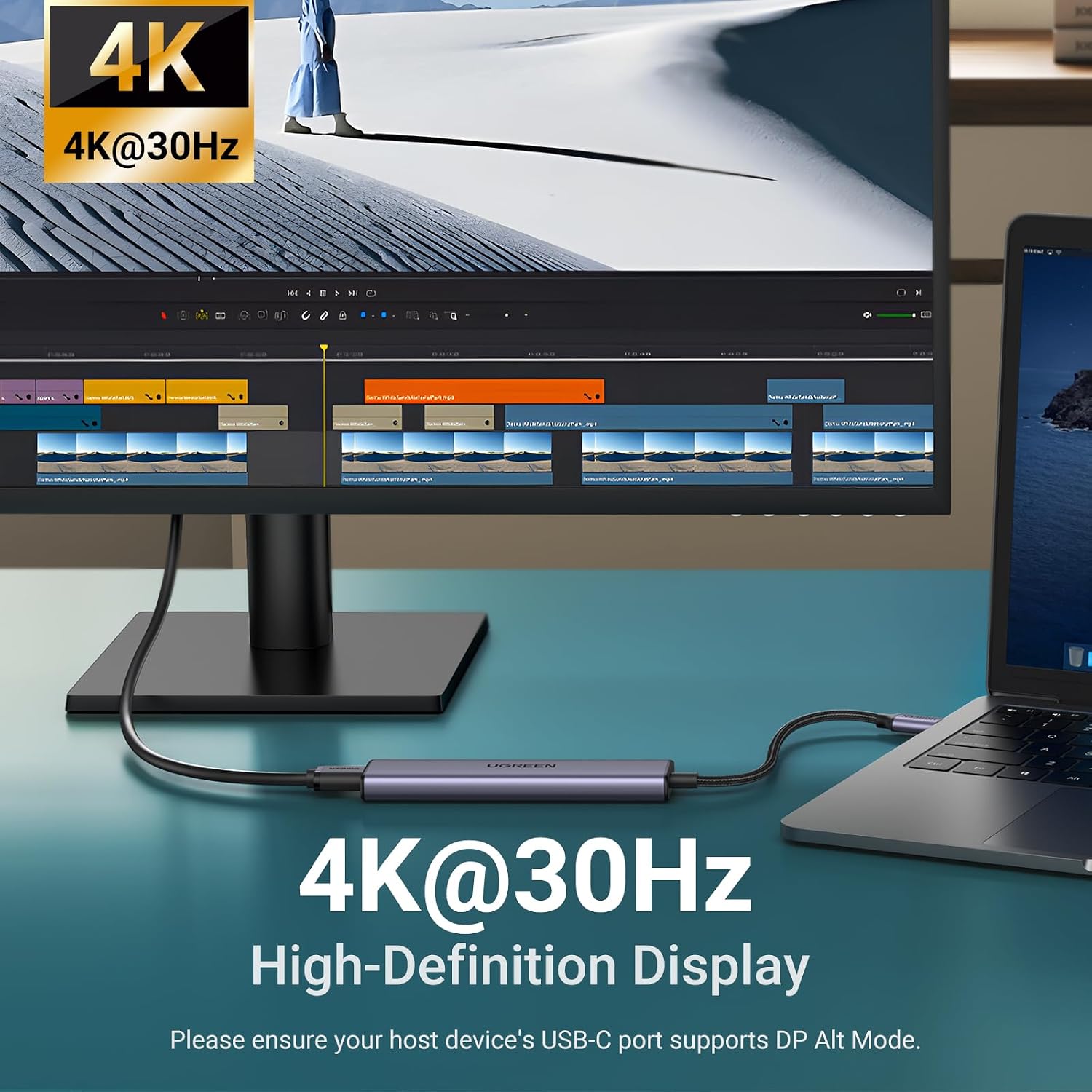
2 4K@30Hz Video Display
3 100W PD Charge

Why does the iPad Pro series not display images?
Due to the tablet’s image output mechanism, it needs to identify the USB 3.0 device to output images. To display the image, you can first connect the device to the hub’s USB 3.0 port and then connect the hub to the iPad Pro.
Why does HDMI not display images when the hub is connected to a tablet/phone with an external HDMI and USB devices?
Because the power required is large, it is recommended that users connect the tablet/ phone to a PD power supply.
What can I do if the USB ports disconnect?
The Max output power of the USB ports is 2A. The total power consumption of the USB devices should be within 2A. For 2.5 inch HDD/SSD, we suggest connecting up to two 2.5″ 1TB HDD/SSD at once.
What can I do if the hub is plugged in or unplugged from the charging port, the device may be disconnected?
Please do not plug into/out the PD charger when using the hub.
Revodok 5 in 1
UGREEN Revodok USB C HUB
1
Extended Monitor(s)
1
4K@30Hz
Max Display Res
4K@60Hz
3*USB A
USB Data Ports
2*USB A+2*USB C
USB C PD 100W
Gigabit Ethernet
SD/TF Card Reader
1
Extended Monitor(s)
1
4K@30Hz
Max Display Res
4K@60Hz
3*USB A
USB Data Ports
2*USB A +USB C
USB C PD 100W
Gigabit Ethernet
SD/TF Card Reader
1
Extended Monitor(s)
2
4K@30Hz
Max Display Res
4K@60Hz
3*USB A
USB Data Ports
2*USB A+2*USB C
USB C PD 100W
Gigabit Ethernet
SD/TF Card Reader
1
Extended Monitor(s)
2
4K@30Hz
Max Display Res
4K@60Hz
3*USB A
USB Data Ports
2*USB A+2*USB C
USB C PD 100W
Gigabit Ethernet
SD/TF Card Reader
Revodok Pro 106 
Revodok Pro 1061 
Revodok Pro 207 
Revodok Pro 2102 
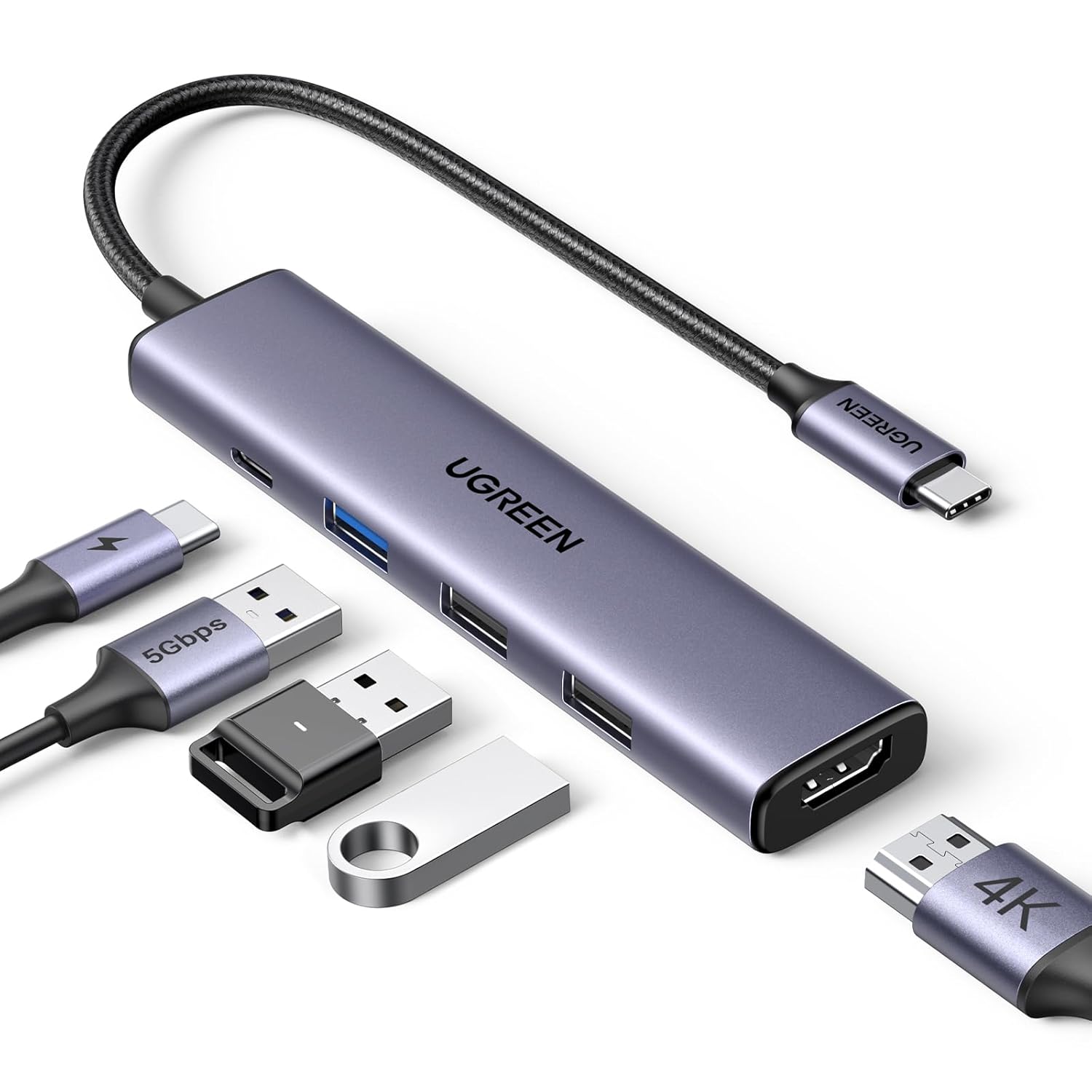
5-in-1 Connectivity: The USB C hub has a 4K@30Hz HDMI port, a 100W USB-C PD port, a 5Gbps USB-A data port, and two 480Mbps USB-A data ports.
100W Pass-Through Charging: Support up to 95W USB C pass-through charging via the Type-C PD port to keep your laptop powered. 5W is reserved for other interface operations. Note: charger and cable are not included. Data transmission or video display is not recommended for the PD port.
4K@30Hz Stunning Display: The HDMI port supports media display at resolutions up to 4K@30Hz, keeping every incredible moment detailed and ultra-vivid. Note: the C port of the host device needs to support video output.
Transfer Files in Seconds: Transfer files from your laptop at speeds up to 5Gbps through the USB-A 3.0 port. Extra 2 USB-A 2.0 ports are perfectly connected to your keyboards and mice. Note: the USB 3.0/2.0 port is mainly used for data transmission. Charging or video display is not recommended.
Durable & Compact: With the durability of aluminum and the CNC machining, the Type C Hub complements your MacBook. Topping the scales at a mere 58g is perfect for on-the-go. Package includes: 1x USB-C Hub (with built-in 20cm cable). No charger or additional cables included.
Broad Compatibility: Plug and play for multiple operating systems, including Windows, macOS, and Linux. The USB C Dongle is compatible with almost all USB-C devices such as MacBook Pro, MacBook Air, MacBook M1, MacBook M2, iMac, iPad Air/Pro, Chromebook, Surface, XPS, ThinkPad, iPhone 17/16/15, Galaxy S26/S25 Ultra, Pixel 8, etc. (Note: This hub is NOT compatible with MacBook NEO.)
iPad Pro series to display images: Due to the tablet’s image output mechanism, it needs to identify the USB 3.0 device to output images. You can first connect the device to the USB 3.0 port of the hub, and then connect the hub to the iPad Pro to display the image.

Related products
-
Sale!

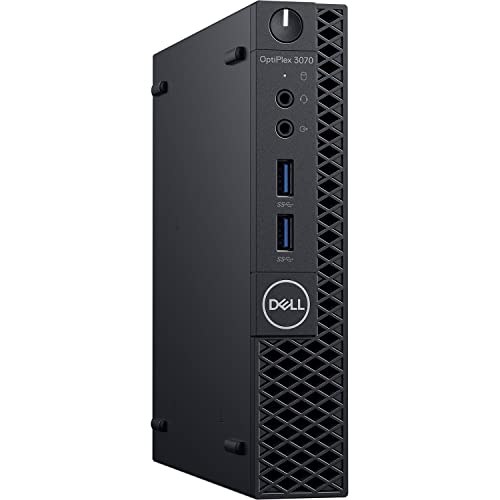
(Renewed) DELL OPTIPLEX 3070 Tiny Desktop (Intel Core i3 9th gen 3.1ghz, 8 GB RAM, 240gb SSD, Win 11 Pro, MS Office, WIFI , USB 3.0, Ethernet,VGA), Black
Original price was: ₹35,999.00.₹15,999.00Current price is: ₹15,999.00. Buy Now -
Sale!
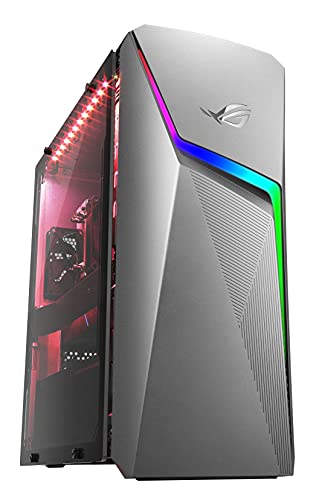
ASUS ROG Strix G10CE, 8 Core Intel Core i7-10700 10th Gen Gaming Desktop (16GB/1TB HDD + 512GB SSD/6GB NVIDIA GeForce GTX 1660 Ti Graphics/Windows 11/with Keyboard & Mouse/Gray/8 Kg), G10CE-710700004W
Original price was: ₹164,990.00.₹83,990.00Current price is: ₹83,990.00. Buy Now -
Sale!
(Renewed) HP Elite-Desk 800 G2 SFF Desktop(Core i5-6th Gen/32 GB RAM/ 2TB HDD/ Windows 10 Pro,MS Office/VGA, 21 inches HP Monitor(1680×1050), Keyboard, Wifi Adaptor and Mouse), Black
Original price was: ₹100,000.00.₹55,999.00Current price is: ₹55,999.00. Buy Now -
Sale!
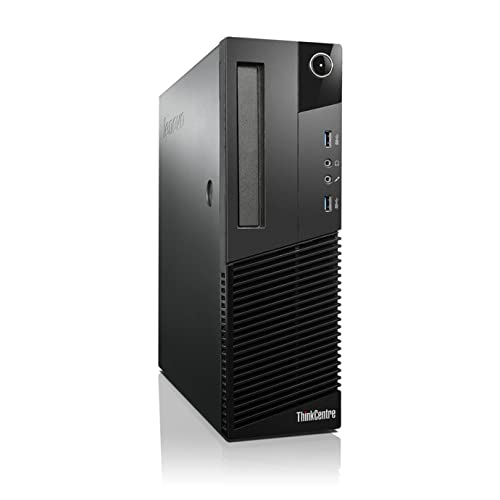
(Renewed) Lenovo ThinkCentre Desktop Computer PC (Intel Core i3 4th Gen, 8 GB RAM, 500 GB HDD, Windows 10 Pro, MS Office, Intel HD Graphics, USB, Ethernet,WiFi), Black
Original price was: ₹40,000.00.₹10,249.00Current price is: ₹10,249.00. Buy Now