
Most phone makers slap the word “AI” on a feature list and call it a day. You get a chatbot bolted onto the keyboard, a filter that blurs your background, and a press release that uses the word “smart” fifteen times. The OPPO Reno16 Series takes a different route. ColorOS 16 builds its AI tools around one habit, catching things before you have to ask for them. A receipt gets logged the moment you tap your camera. A screenshot turns into a searchable note without you opening an app. A foreign menu becomes readable in seconds. None of this needs a demo booth to look impressive. It just needs a normal day.
Here’s what that looks like when you actually put the phone through its paces.
One App, Three AI Models, No Guesswork
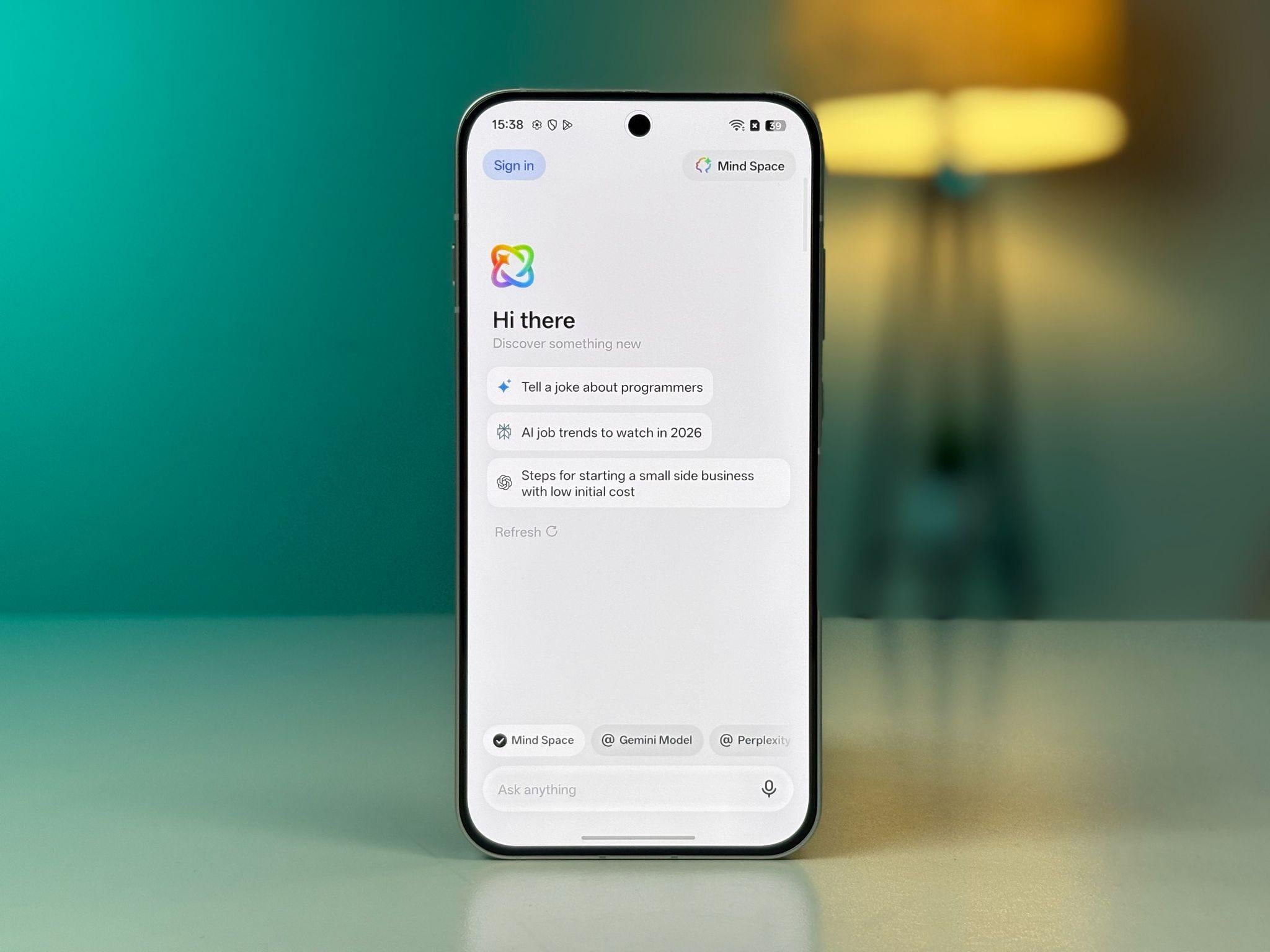
The centrepiece of ColorOS 16 is AI Mind Pilot, and it solves a problem most people run into without naming it: which AI do you even ask? Google Gemini is good at some things, Perplexity at others, ChatGPT at others still, and switching between three apps to compare answers gets old fast.
AI Mind Pilot puts all three inside one interface. You pick a model for a quick question, or you fire the same query at all three at once and read the answers side by side. Say you’re comparing two laptops before a purchase. Instead of trusting a single answer, you get three takes in one screen and can spot where they agree and where they don’t. Mind Pilot also pulls from context you’ve already saved in Mind Space, so a follow-up question doesn’t need you to repeat yourself. You get to it through Mind Space, then Mind Pilot.
A Memory Hub That Files Things Without Being Told
AI Mind Space is the part of ColorOS 16doing the quiet work. Press the AI Snap Key or swipe up with three fingers, and whatever’s on your screen right now, an article, a schedule, a photo, a text thread, gets pulled in and sorted automatically. You’re not naming folders or tagging anything. Later, when you need that train ticket screenshot from three weeks ago, you search for it and it shows up.
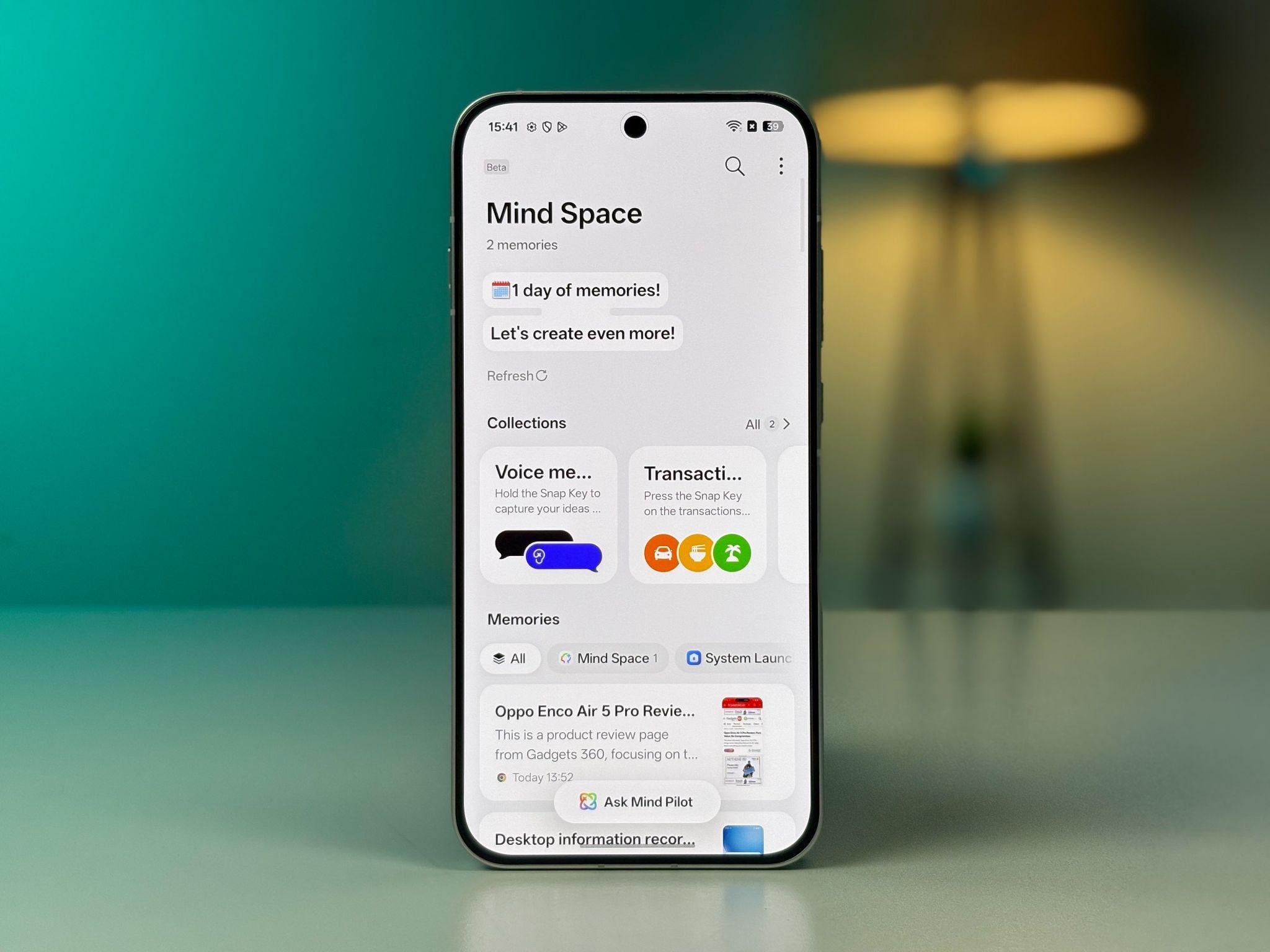
This is the part of the phone that behaves less like a tool you operate and more like a drawer that organises itself. It’s also the backbone that Mind Pilot and Bill Manager both draw on, so the more you use the phone normally, the more useful these features get.
Tracking Money Without Opening a Spreadsheet
AI Bill Manager takes the same capture habit and points it at your wallet. Make a digital payment, hit the Snap Key or swipe, and the transaction gets logged right there. For a paper receipt, you point the camera at it through Mind Space and it pulls the amount, the currency, and the category on its own. Every entry lands in one dashboard inside Mind Space, broken down by month and category.
It won’t replace a full budgeting app if you’re tracking investments or splitting bills with roommates. But for the daily grind of knowing where your money went, coffee here, cab there, it removes the part where you’d normally type it in yourself.
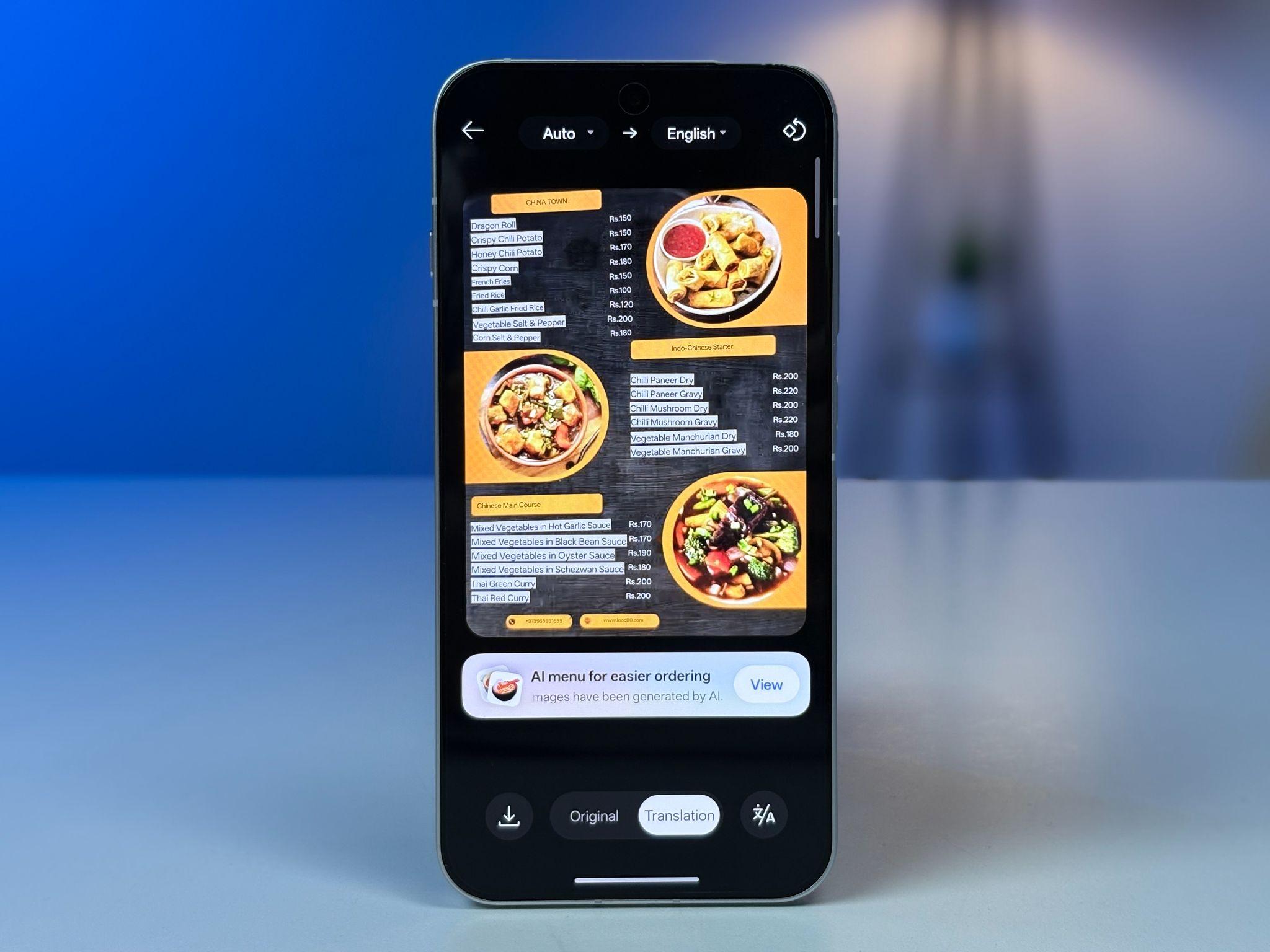
AI Menu Translation, opened through the Translate app’s camera mode, doesn’t just swap words. It shows you a picture of the dish, lists ingredients and allergens, converts the price to your currency, and can speak your order out loud in the local language. Useful the moment you’re abroad and the menu has zero English on it.
A Hardware Button That Changes How You Shoot
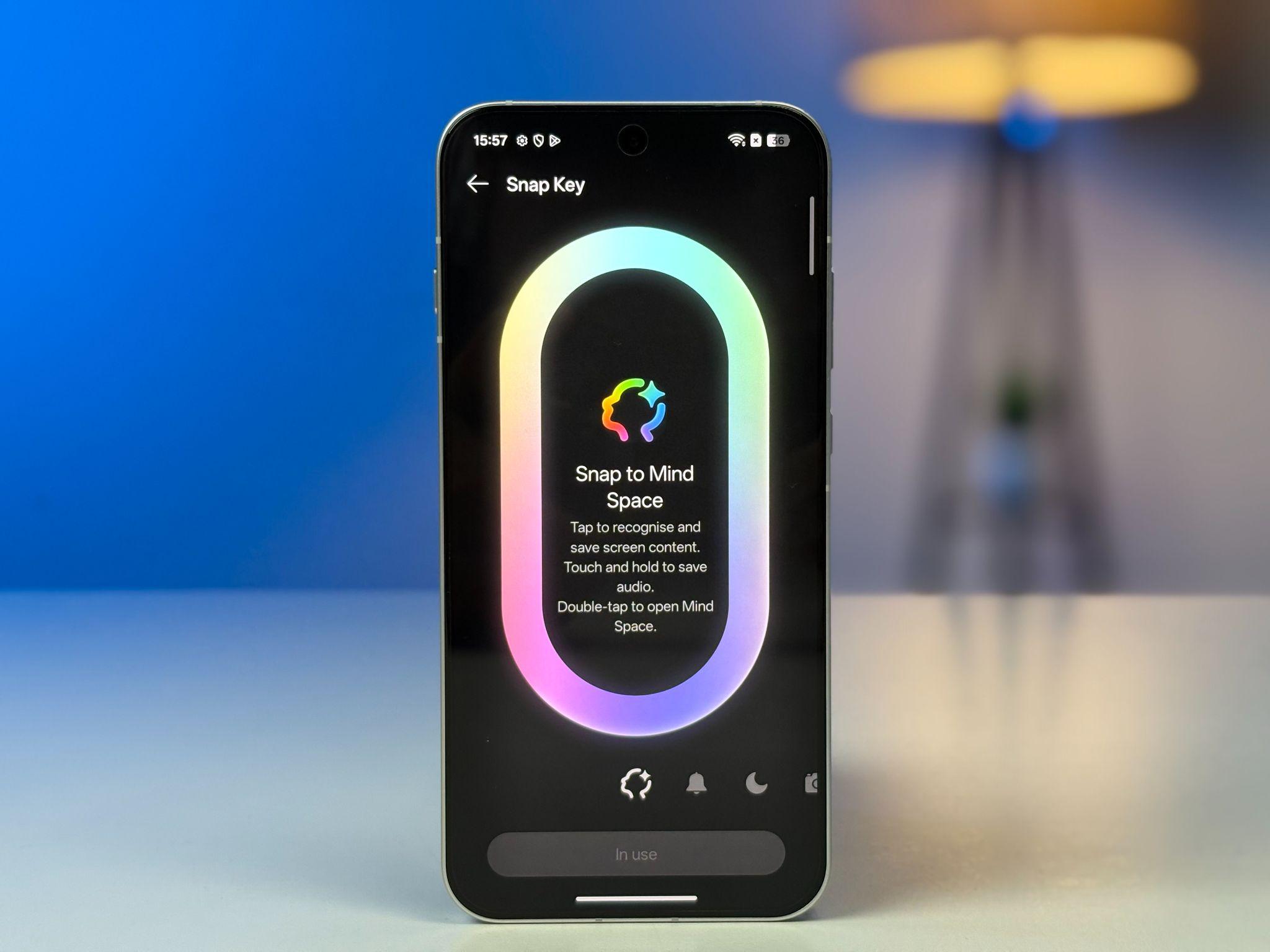
Before getting into the camera tools themselves, it’s worth stopping on the AI Snap Key, because it’s less a feature and more a decision about how the whole experience should work. It’s a dedicated physical button, new to the Reno line, sitting there as a single-press shortcut into AI Mind Space and the phone’s AI tools. The idea is simple. If a feature is buried three menus deep, most people never find it. Put it under one press instead, and it actually gets used. That’s the real value here, not the button itself but what it says about how OPPO expects you to interact with everything else on this list.
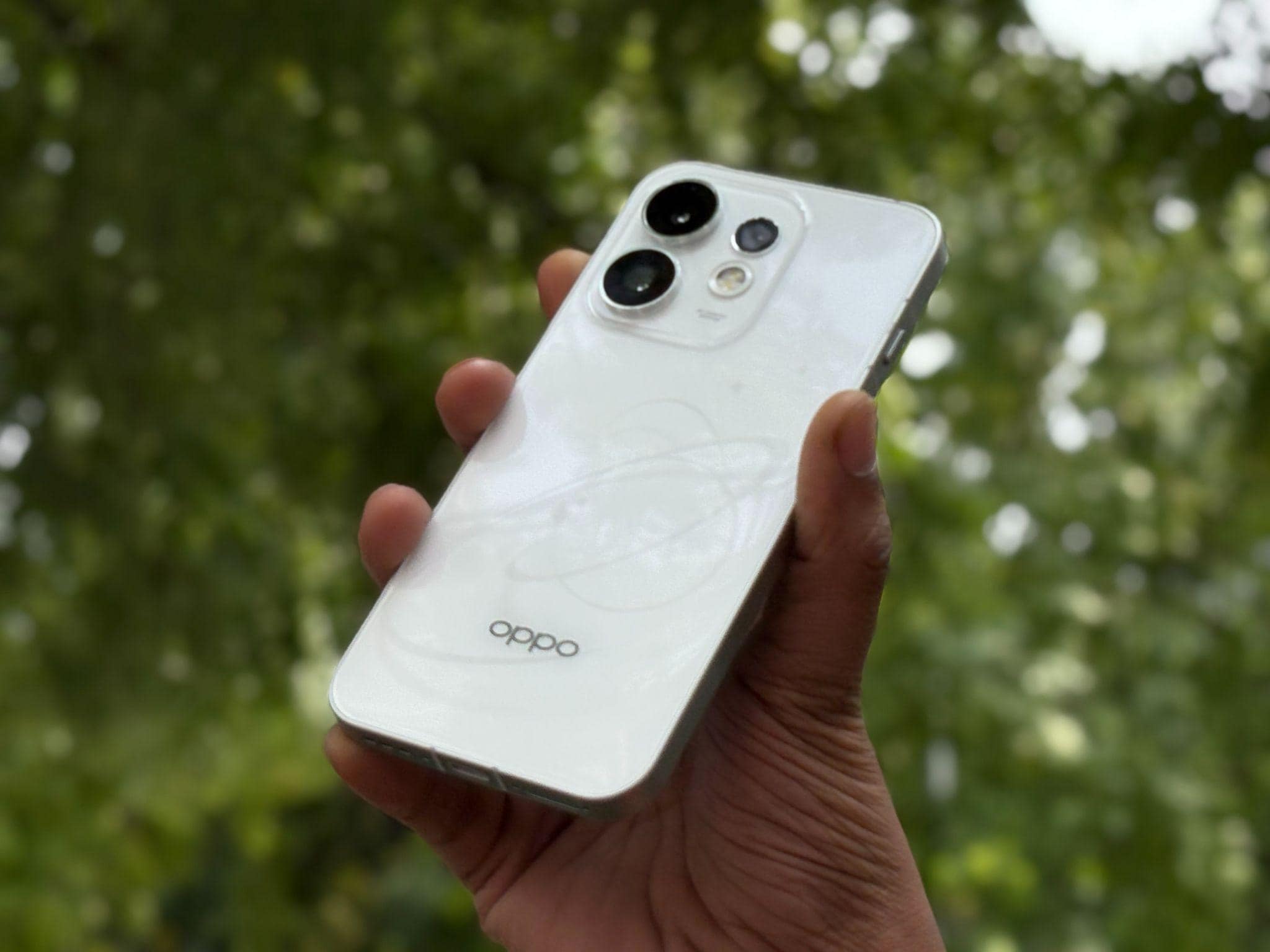
The Reno16 Series carries a 50MP main camera, a 50MP ultra-wide, and a 50MP telephoto on the standard Reno16 5G, with a 50MP ultra-wide selfie camera up front. That’s the hardware. What ColorOS 16does with it is the more interesting part.
AI Remix Collage takes your motion photos, videos, and a set of AI stickers and turns them into short vlogs or layered collages, and you’re still the one directing the look, not the algorithm. Popout 2.0 now recognises far more than faces. Point it at furniture, a parked car, or a building, and it can pop that subject out of the frame in any direction, not just upward like older versions. 4K Auto Straighten Video corrects up to five degrees of tilt while you walk, so handheld footage doesn’t wobble like it usually does. Dual-View Video 2.0 records front and rear cameras at once, useful if you’re narrating over a shot rather than filming it silently.

The photo fixes round out the toolkit, and each one solves a specific annoyance instead of doing a vague ‘enhance everything’ pass. AI Eraser pulls a stray photobomber or bag out of a shot with one tap. AI Unblur brings back sharpness in a photo where the subject moved. AI Clarity Enhancer takes a cropped or low-resolution image and rebuilds it into something sharp enough to actually print or post. AI Reflection Remover cuts the glare when you’re shooting through a window or a glass case. AI Portrait Glow fixes a flat, poorly lit portrait with a single tap using skin-tone-aware lighting correction. AI Motion Photo Slow-Mo turns a regular motion photo into a slower, more cinematic clip. All of it lives inside one Create tab in the Photos app instead of scattered across five different menus.
The Productivity Side Nobody Demos on Stage
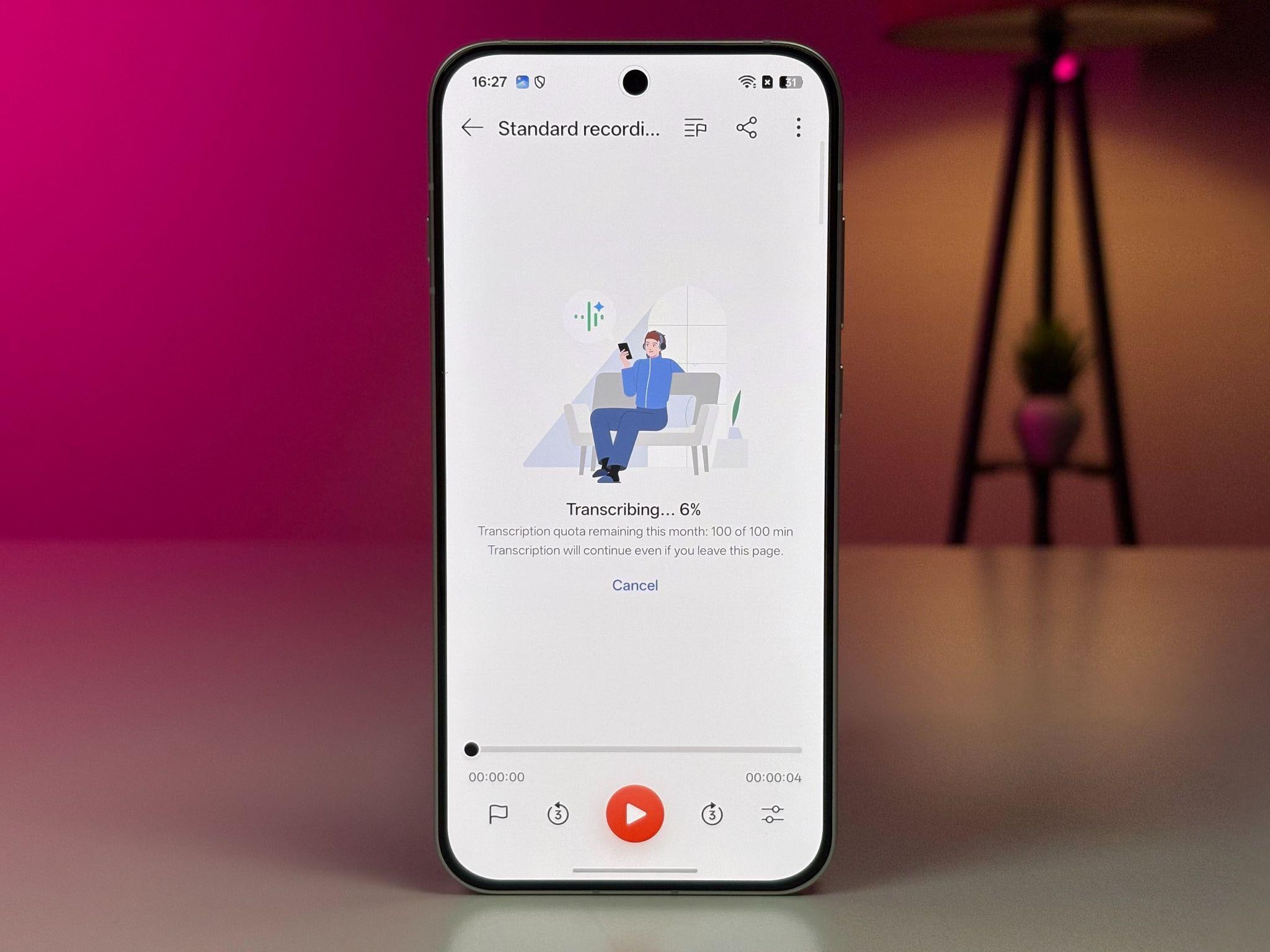
AI Recorder is where ColorOS 16quietly earns its keep for anyone sitting through meetings, lectures, or interviews. It transcribes in real time, tells different speakers apart and labels them, and once you stop recording, it generates a title and a summary on its own, with templates you can pick depending on whether you just recorded a meeting, an interview, or a class. You can then send out the full transcript, just the summary, or just the audio, whichever fits. Worth knowing upfront though, OPPO’s own documentation notes that transcription and summary accuracy shifts depending on language, accent, and background noise, so it won’t be flawless in every accent or every noisy room. It’s a genuine time-saver, just not a guarantee.
AI Scan and AI Extract handle paperwork. Point the camera at a document and it captures the page in under three seconds, strips out shadows and glare, and straightens anything shot at an angle. Export it as a PDF, a Word file, or an image, and if you need the actual text or a table out of it, AI Extract pulls that into an editable format instead of leaving you to retype it.
On the privacy side, ColorOS 16leans on a few specific locks rather than one blanket privacy mode. Chip-Level Deep Lock keeps sensitive data isolated at the hardware level, Dual Verification adds a second check before anything sensitive unlocks, and Call to Lock adds another layer of protection tied to the device itself. Combined with a private, encrypted vault for photos, videos, and documents, it’s a system built around keeping specific things locked down rather than a single toggle you flip and forget.
The Small Stuff That Actually Saves You Time
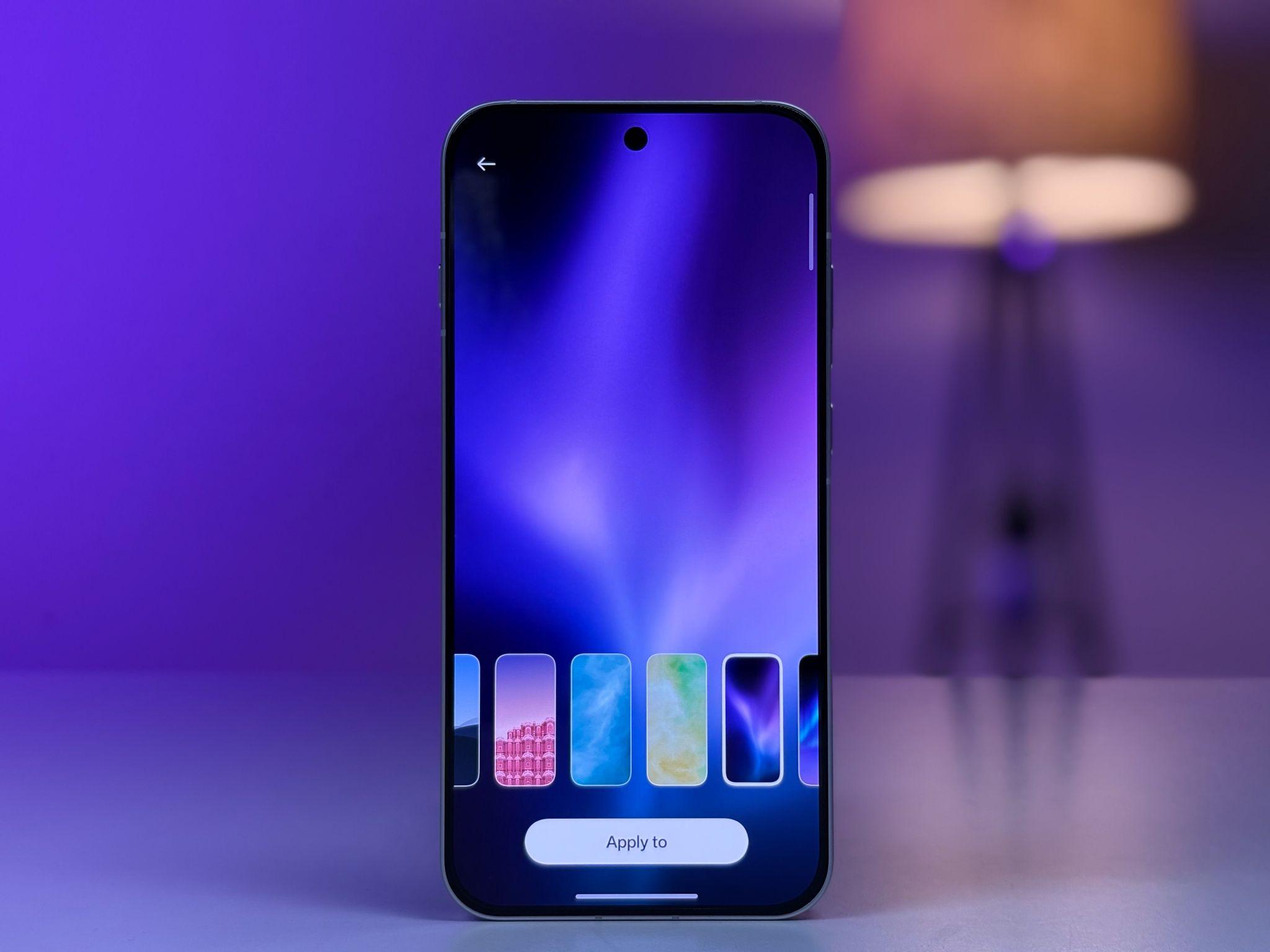
ColorOS 16 also feels smoother to use day to day. The All-New Luminous Rendering Engine keeps every tap and swipe quick. Apps open fast, screens switch fast, and everything feels instant. Aqua Dynamics adds live updates right on your screen, things like music playback, food delivery status, commute tracking, even sports scores, so you don’t have to open a separate app to check them. And with Motion Wallpapers, you can turn your motion photos into a lock screen that actually moves, instead of just sitting there.
Smooth in Motion. Sharp in Response.
Every interaction responds instantly, every frame flows seamlessly. Seamless animations extend across the system and apps, ensuring consistently smooth and natural interactions wherever you go.
Connectivity gets a boost too. O+ Connect lets you drag files between an OPPO phone and a Mac or Windows PC, mirror your screen to control up to five apps with a mouse and keyboard, and even browse your computer’s files from your phone. Audio Sharing, arriving via update in July 2026, lets two people connect their own Bluetooth earbuds to the same phone and hear identical audio, handy for reviewing a video edit together without passing one earbud back and forth.
Does It Hold Up?
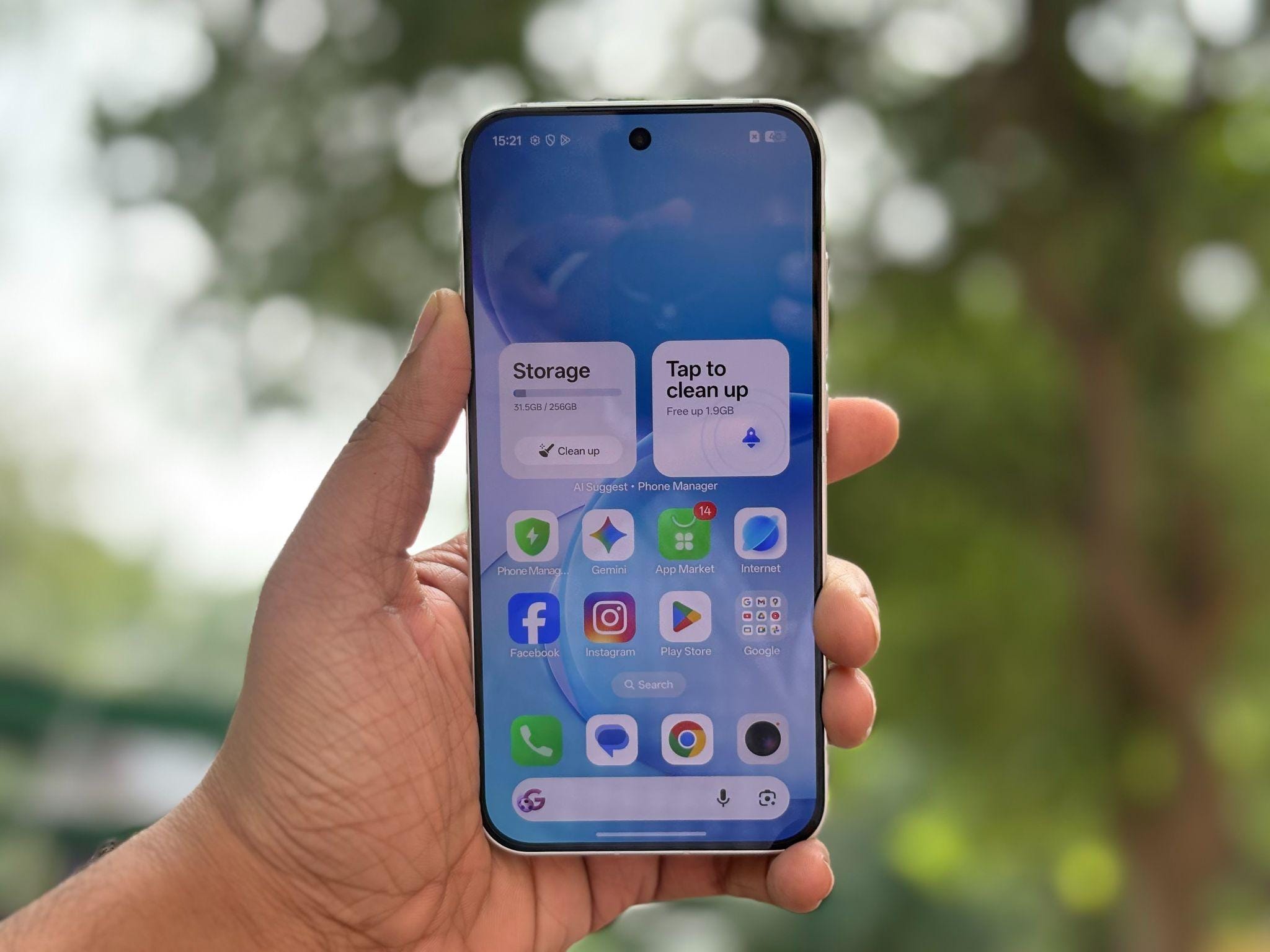
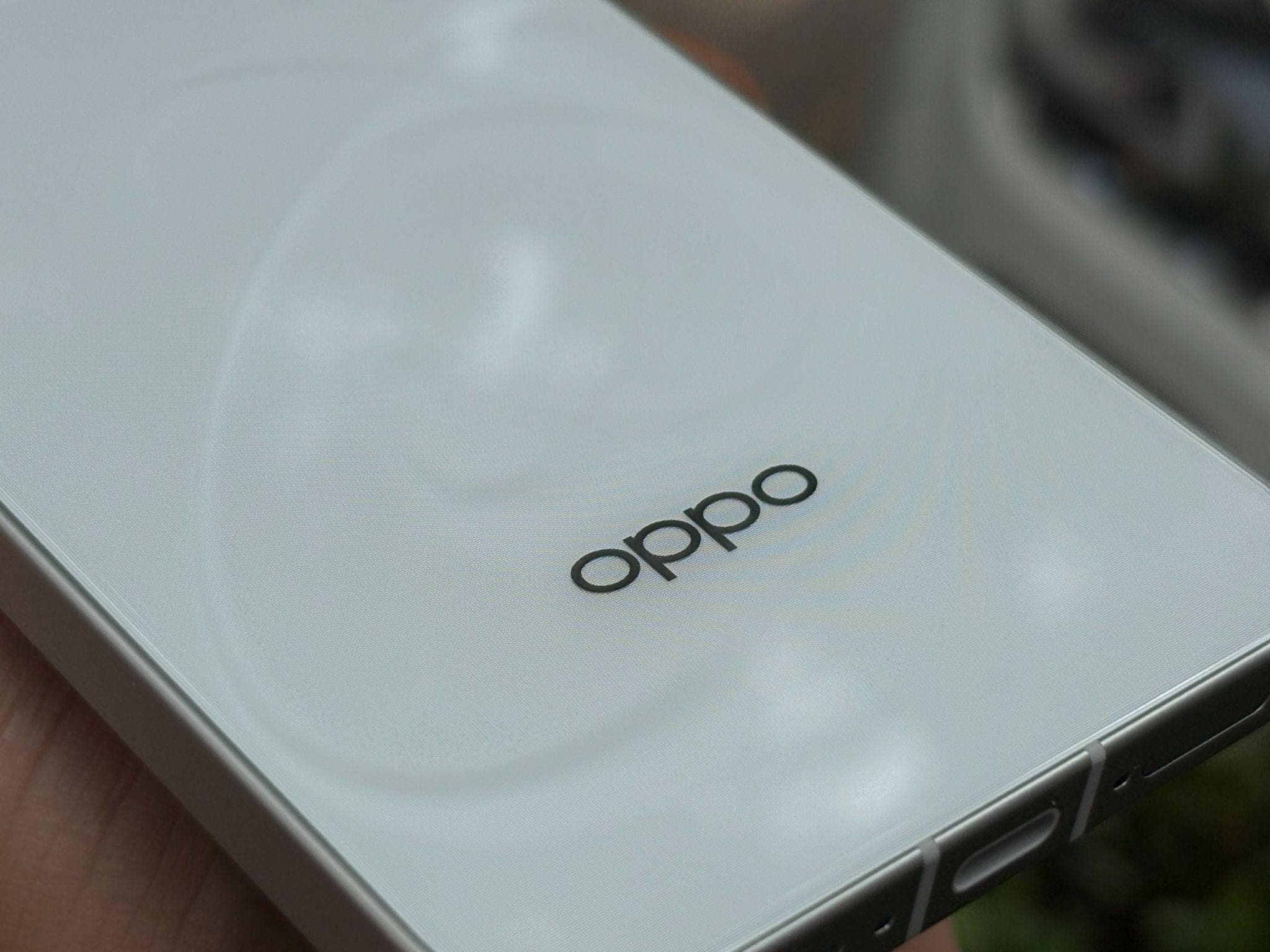
Under all of this sits real hardware that backs up the software, and it’s worth being precise here because the two models in the series don’t share a chip. The Reno16 5G runs on the Snapdragon 7 Gen 4 platform, built on a 4nm process, paired with AI HyperBoost 3.0 for smoother gaming and AI LinkBoost 4.0 for holding a signal in crowded spots. The Reno16c 5G runs on the MediaTek Dimensity 7300 instead. Battery life stretches to 6,700mAh on the Reno16 5G and 7,000mAh on the Reno16c, both charging at 80W. The bodies carry IP66, IP68, and IP69K ratings, so rain, dust, and the occasional splash aren’t a concern. India’s First HoloVerse 3D Desing back panel, built from a graphic pattern layer, a substrate, and millions of microlenses, gives the phone a floating 3D visual that shifts as light hits it differently, a detail no spec sheet fully captures until you see it in hand.
Add it up and ColorOS 16isn’t a coat of AI paint over the same old menus. The proof is in how little you have to think about using it. You don’t open an app to log a bill. You don’t retype a receipt. You don’t juggle three chatbot tabs to get a straight answer. The phone does the boring part before you ask, which is a better test of smart than any spec sheet could give you.
What It Costs
The Reno16 5G starts at Rs. 61,999 for the 8GB/256GB version and goes up to Rs. 67,999 for the 12GB/256GB version. The Reno16c 5G is the more affordable of the two, starting at Rs. 46,999 for the 8GB/128GB base model, with the 8GB/256GB variant at Rs. 49,999 and the 12GB/256GB variant at Rs. 55,999. OPPO is also running an instant 10 percent cashback with credit cards from SBI, HDFC Bank, and a few other banks, so it’s worth checking which card gets you the better deal before you buy.
Both phones are available in Starry White, Stellar Purple, and Twilight Violet, and you can pick them up on Amazon, Flipkart, or directly through the OPPO India online store. At these prices, you’re not just paying for the camera or the display, you’re paying for software that’s actually doing something with them.
