
Asus’ ROG Zephyrus series has settled into its identity over the past two years. The Taiwanese manufacturer has gone through a few iterations, ironed out the kinks, and found the right balance of sleek design and slick performance. As a result, it’s hard to see meaningful upgrades in each yearly refresh. Instead, new ROG Zephyrus laptops offer iterative improvements that refine what’s already good and trim what’s not.
That’s especially true for ROG Zephyrus G16 launched this year in June. With Nvidia skipping 2026 for its next-generation GPU, the new Asus laptops have continued with the RTX 50 series seen in ROG Zephyrus models last year. And without a big hardware bump, Asus has focused on improving the user experience in other ways—a brighter display, better battery life and thermal management, and a sturdier hinge.
These refinements, along with the newer Intel Core Ultra processor, may make the refreshed Asus ROG Zephyrus G16 an improvement over last year’s model, but that improvement will be hard to spot. What you can spot from a mile away, however, is the considerable price bump. The ongoing AI-driven hardware crisis means the ROG Zephyrus G16 has breached the Rs. 4 lakh barrier in India. Without major upgrades, Asus’ new line of gaming laptops is harder to recommend, especially when last year’s models, which come with the same RTX 50 series GPUs, are available at a much lower price.
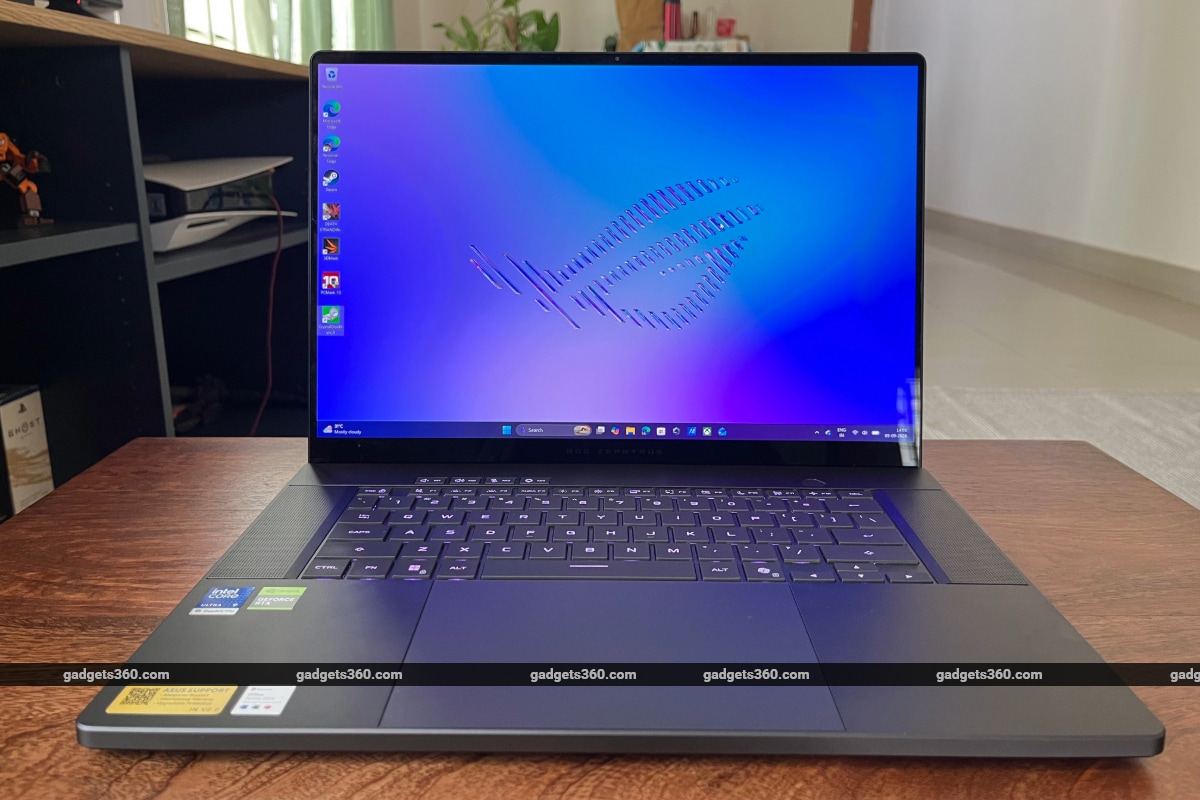
The ROG Zephyrus G16 comes with an Nvidia GeForce RTX 50 series GPU
Asus ROG Zephyrus G16 (2026) Design
- Dimensions – 354 x 246 x 149 ~ 179 mm
- Weight – 1.95 kg
- Colour – Eclipse Grey
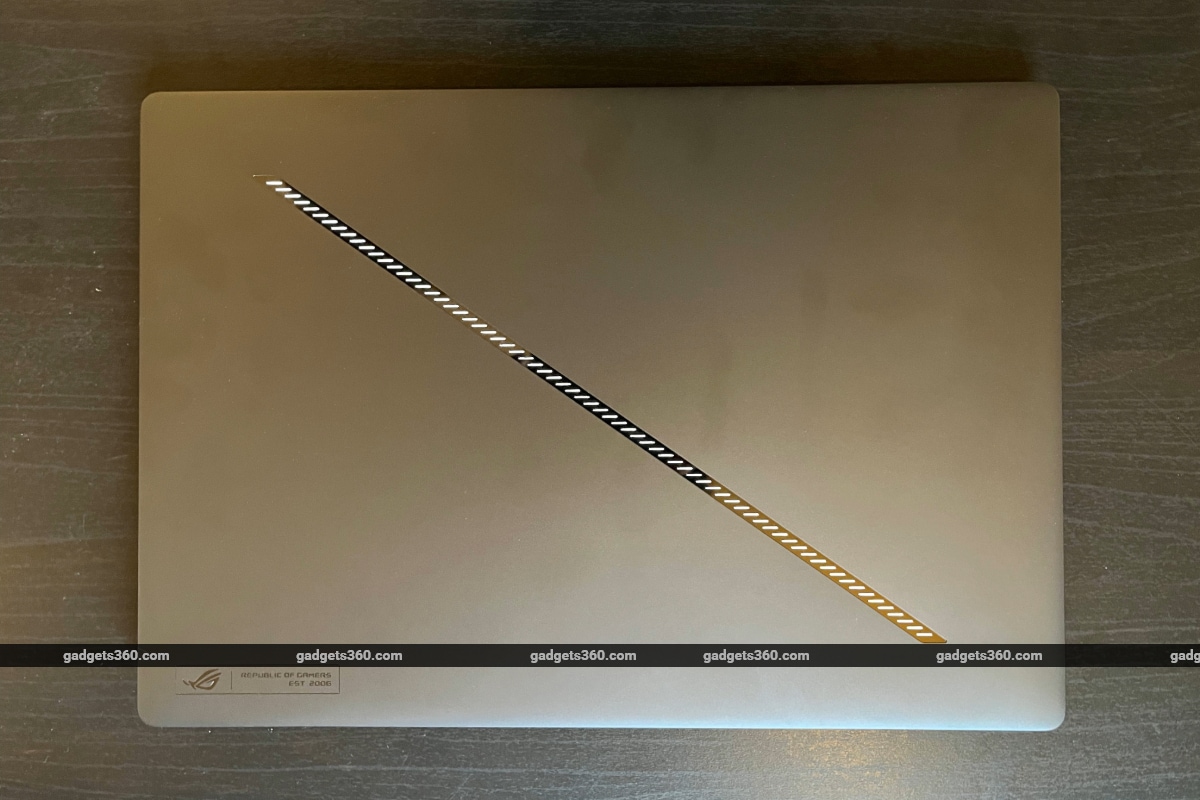
The ROG Zephyrus G16 retains the familiar CNC aluminium unibody design with the slash lighting bar on the lid seen in G14 and G16 laptops since 2024. There are some tweaks, such as the enhanced slash lighting array, which now features 35 lighting zones compared to seven on the previous generation, and the improved hinge, which now feels smoother and sturdier—but the laptop still very much looks like it has for two years.
Asus doesn’t have to fix something that isn’t broken, but the approach further underlines the sentiment that not much has really changed. Perhaps a bolder design approach, or distinct flourishes to make the new G16 feel, well, new, would have served well—especially in a year when hardware upgrades are minimal. Granted, the existing design is stylish and sleek and serves both professional and casual settings, but I miss some of the gamer flair seen in earlier ROG laptops.
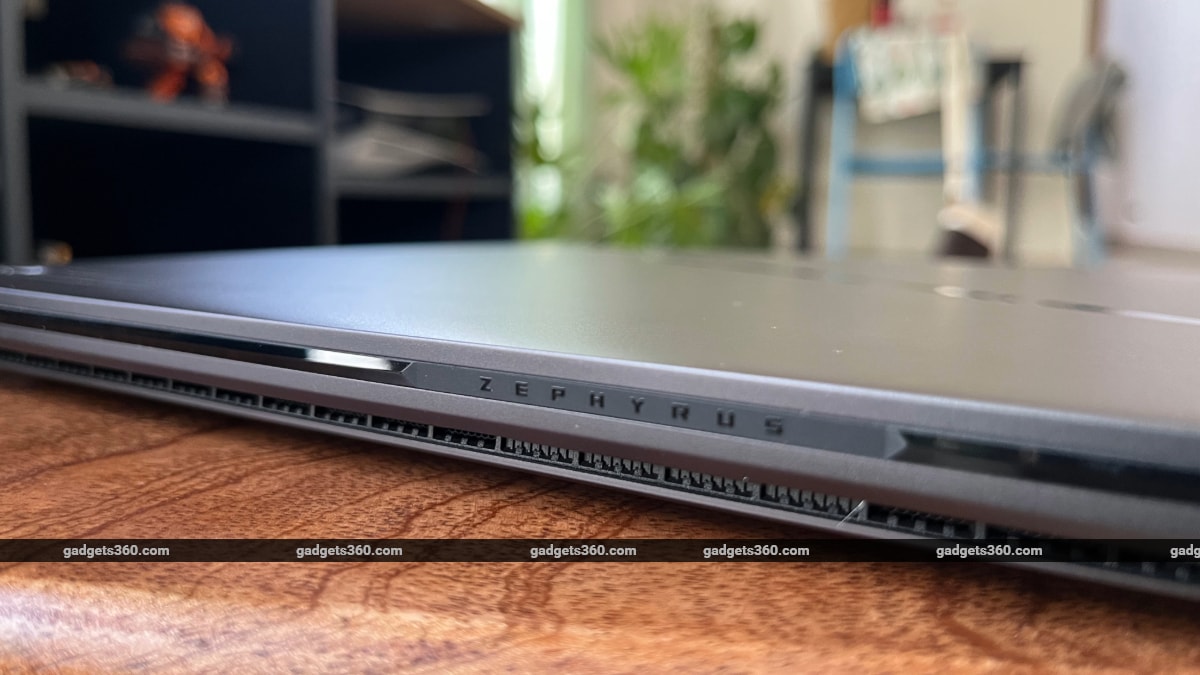
The ROG Zephyrus G16 (2026) doesn’t feature major changes on the design front
As always, the ROG Zephyrus G16 comes with a generous selection of ports. On the left, you get the 3.5mm combo audio jack, a Thunderbolt 4 port with support for DisplayPort/Power Delivery, a USB 3.2 Gen 2 Type-A port, an HDMI 2.1 port, and Asus’ proprietary charging port. The right side of the laptop sports a USB 3.2 Gen 2 Type-C port, another USB 3.2 Gen 2 Type-A port, and an SD card reader slot.
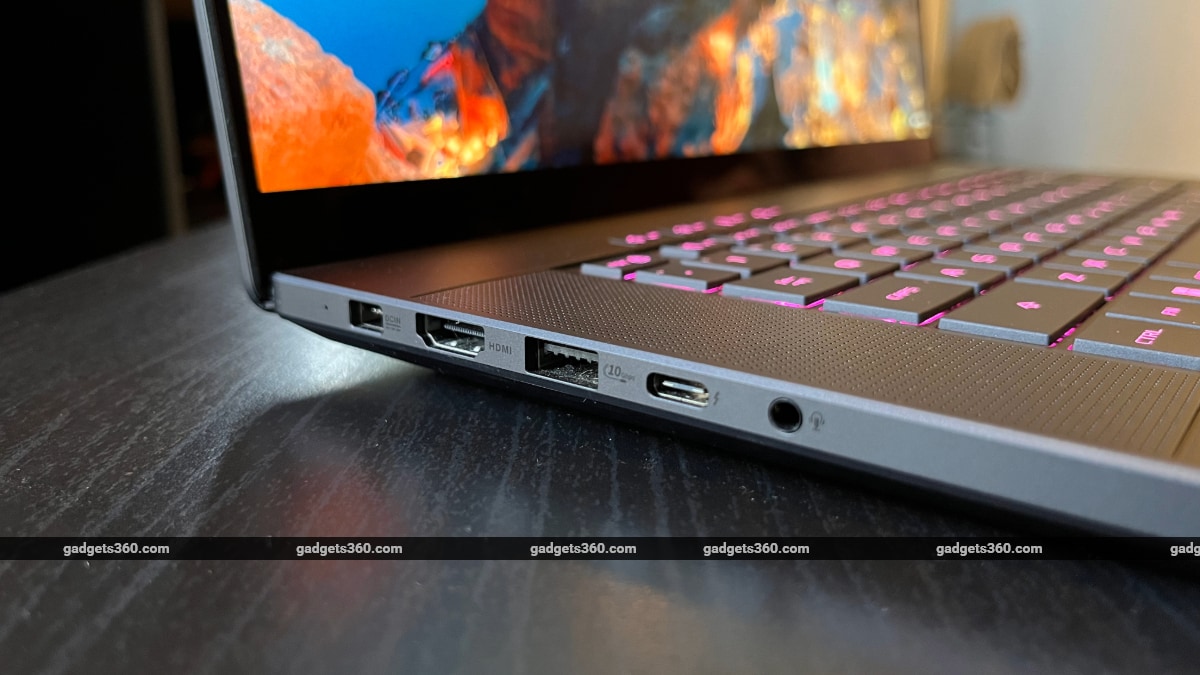
The ROG Zephyrus G16 comes with a generous selection of ports
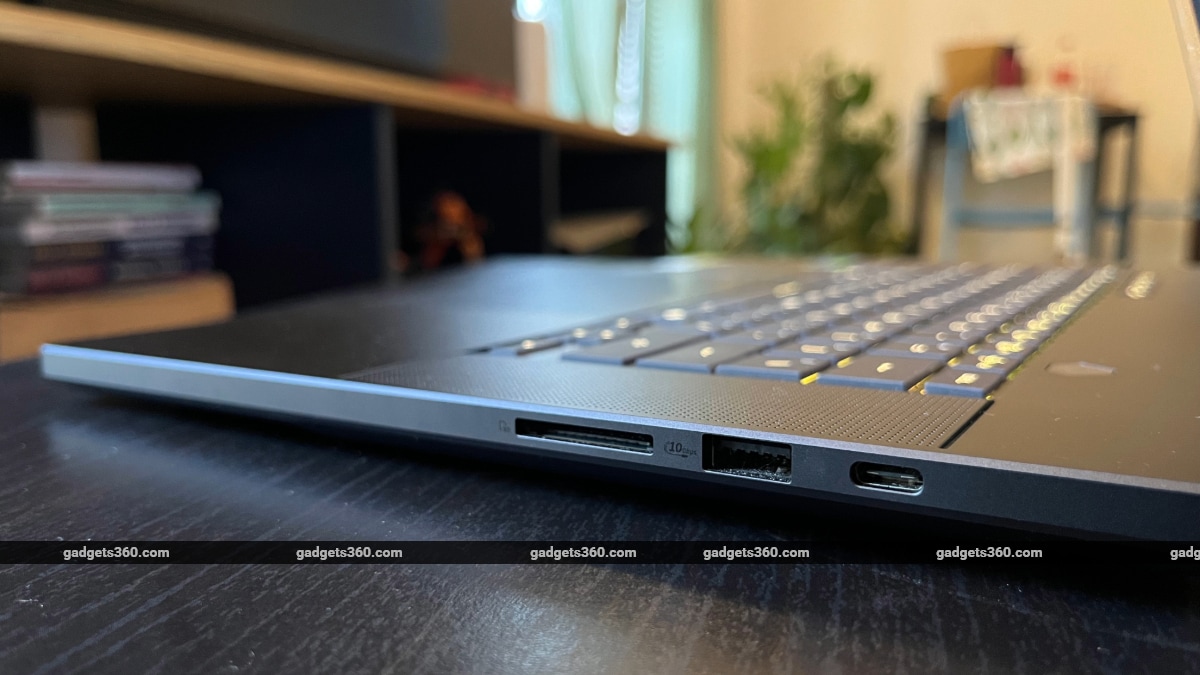
The G16 also comes with an SD card reader slot
Asus ROG Zephyrus G16 (2026) Display
- Size and type – 16-inch OLED HDR panel
- Resolution – 2.5K (2560 x 1600 pixels), 16:10 aspect ratio
- Refresh rate – 240Hz
- Peak brightness – 1100nits
One of ROG Zephyrus G16’s biggest upgrades arrives with its 16-inch OLED display, which now goes up to 1100 nits of peak HDR brightness, a significant improvement over last year’s model that came with 500 nits of peak brightness. This boosts outdoor visibility considerably, making the new G16 more of a laptop you can carry outside.
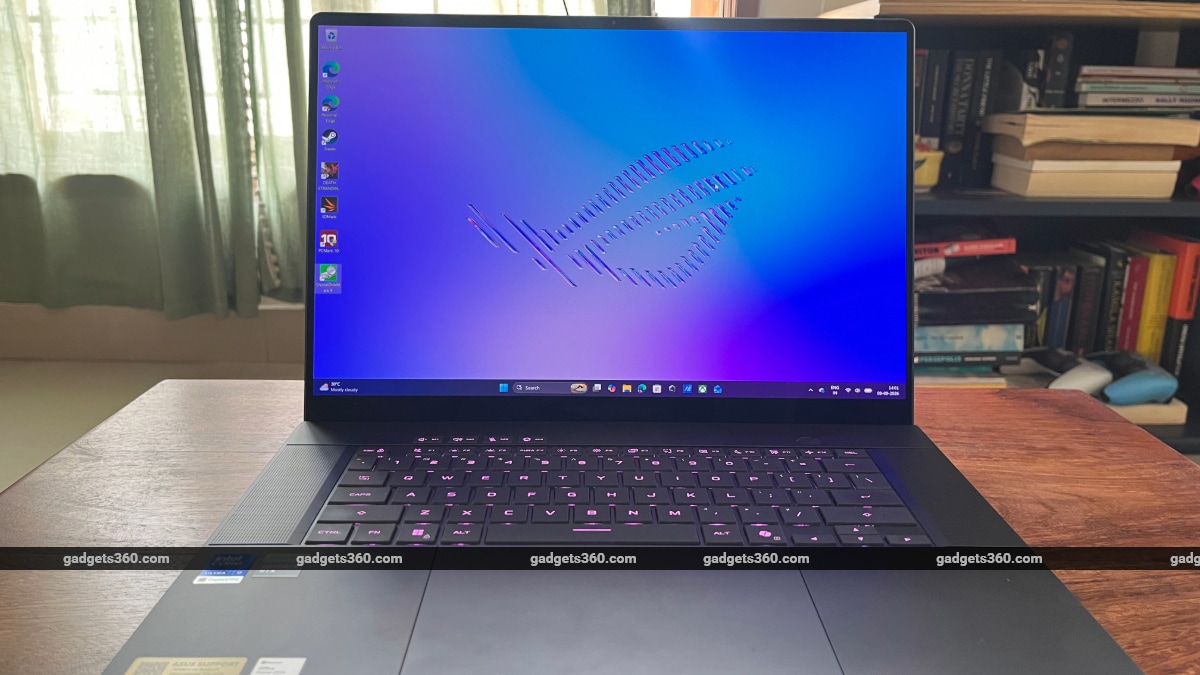
ROG Zephyrus G16’s OLED display comes with 1100 nits of peak HDR brightness
The OLED panel is vibrant and crisp, with 100 percent DCI-P3 coverage and deep blacks. The 16-inch screen is great for watching films and TV shows, but a 4K panel would have made the display upgrade feel even more considerable, allowing for 4K content streaming and 4K gaming.
Regardless, the 2.5K OLED panel is excellent for playing games. It comes with a 240Hz refresh rate and a 0.2ms response time, delivering a smooth gaming experience. The display is also G-Sync enabled, thus supporting variable refresh rates.
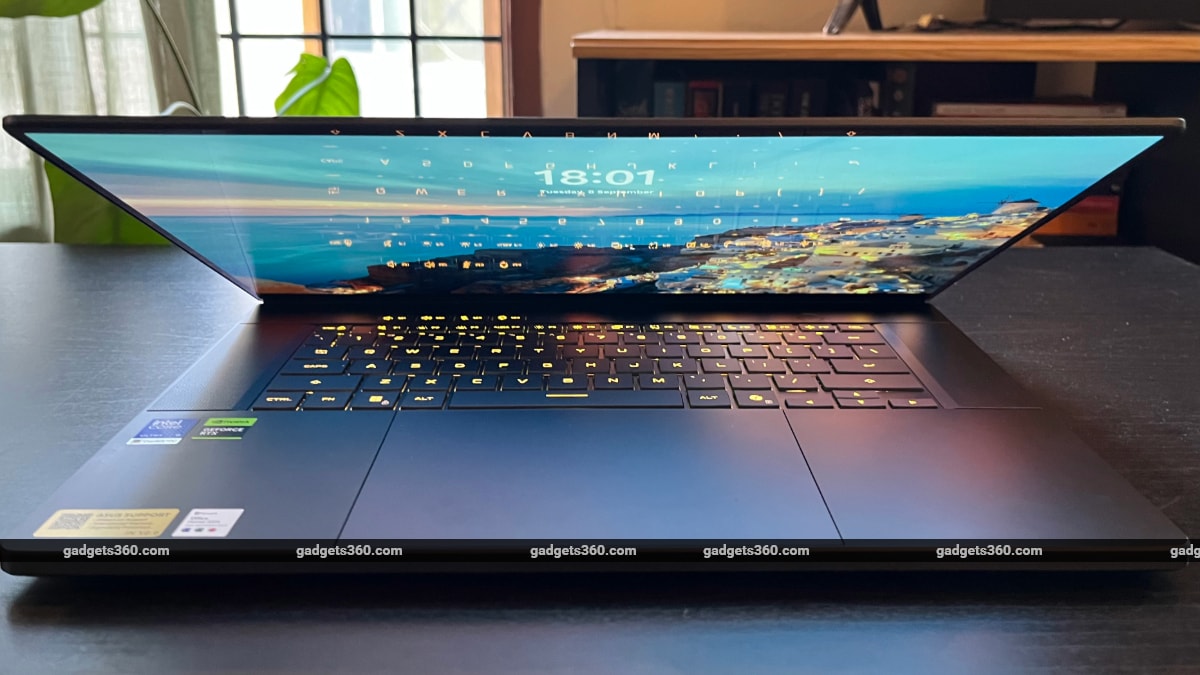
The display has a refresh rate of 240Hz
Asus ROG Zephyrus G16 (2026) Keyboard, Touchpad, Speakers, and Camera
- Keyboard – Backlit chiclet keyboard with single-Zone RGB
- Speakers – Quad speaker (dual side woofer) system with Smart Amplifier technology, 2 tweeters, Dolby Atmos
- Webcam – 1080p IR camera with Windows Hello support
The keyboards on the refreshed ROG Zephyrus G16 are great as ever. The keycaps are large and offer 1.7mm of travel, creating a satisfying, quiet typing experience. The keys also come with an anti-fingerprint coating that prevents smudges.
The large glass touchpad is ideal for scrolling and other multi-touch gestures, while still leaving ample room to rest your palms on either side.
The six-speaker system with dual side woofers delivers rich audio. It gets quite loud while maintaining clarity, whether you’re listening to music, playing games, or watching video content. The full-HD webcam works as expected, and Windows Hello support ensures quick login.
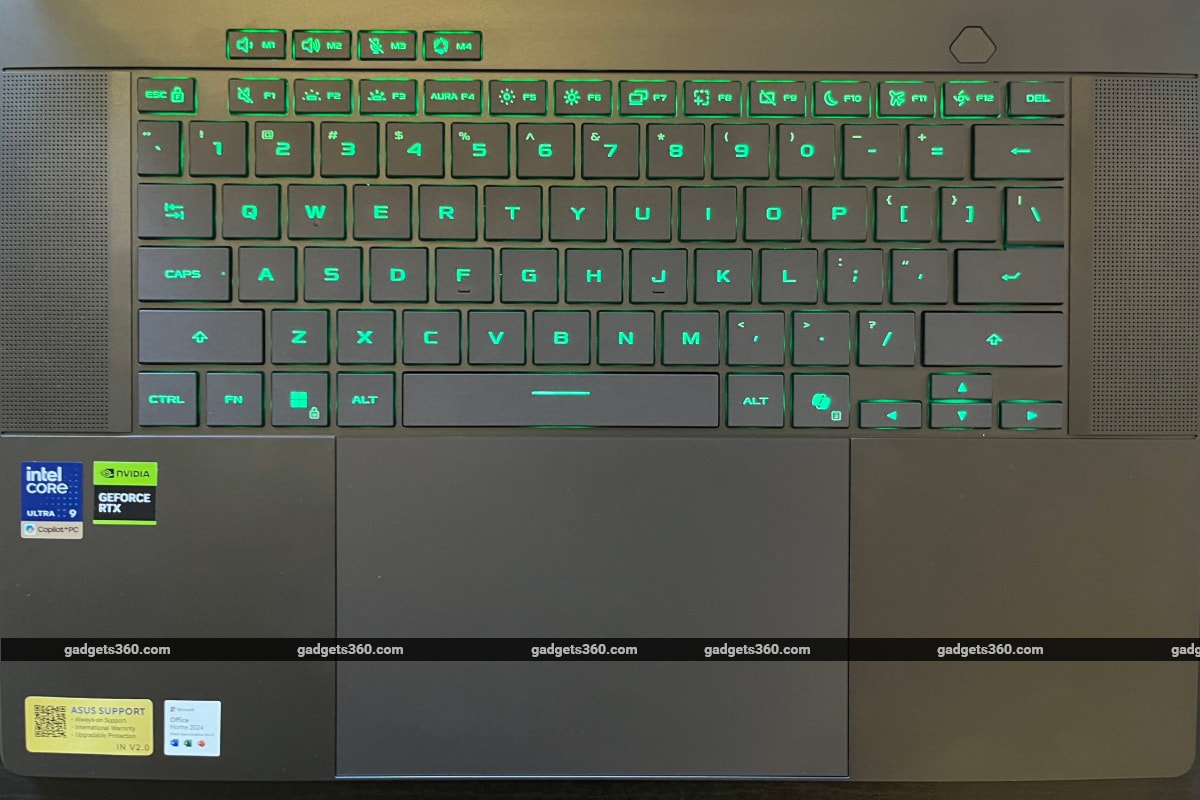
The keyboard supports single-zone RGB
Asus ROG Zephyrus G16 (2026) Software
- OS – Windows 11 Home
- Additional apps – MyAsus, Armoury Crate
The Windows 11 experience on the new ROG Zephyrus G16 is familiar and frustrating. Microsoft continues to make offline Windows setup difficult, and it keeps pushing its suite of Copilot AI features, OneDrive, and a constant stream of updates that make for a halting OS experience. Every time I powered on the laptop, Windows had an update ready that required a restart. Add a second layer of MyAsus and Armoury Crate updates, and using the laptop starts to feel like a chore.
The Armoury Crate app, however, has always been a useful hub for technical tweaks. Here, you can manage power profiles, allocate memory, set slash lighting and RGB patterns, and tweak custom power limits and fan curves in Manual mode.
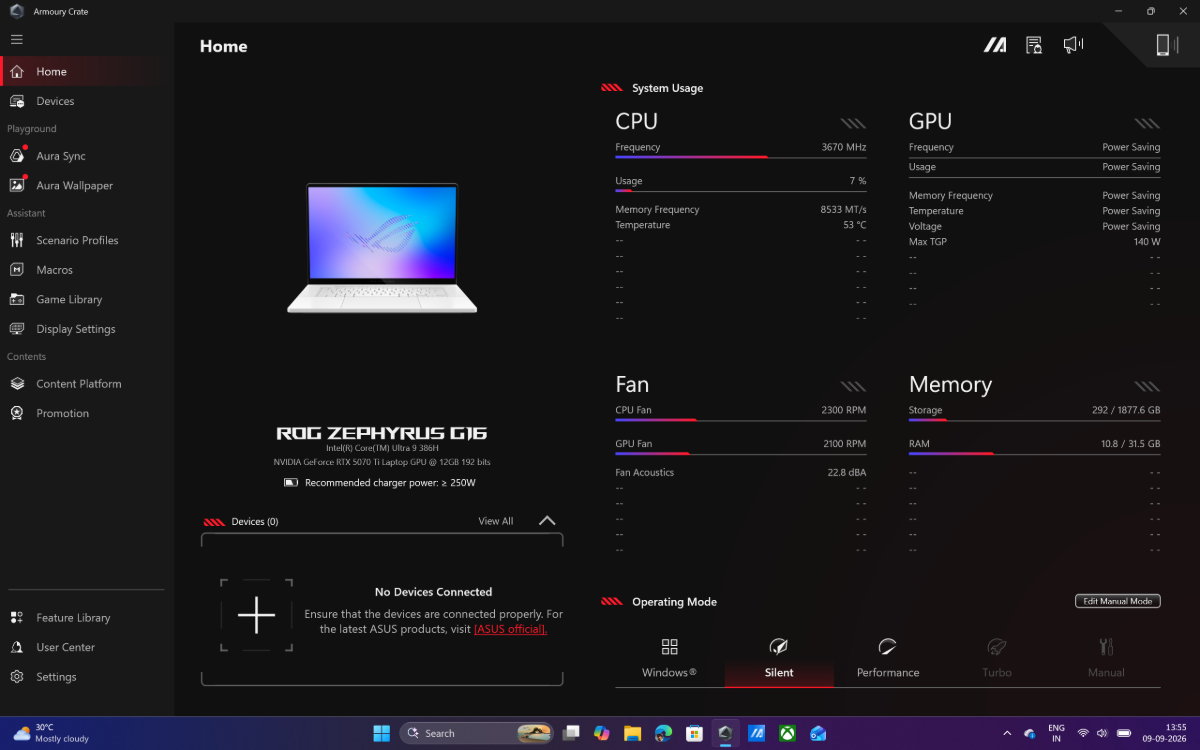
Armoury Crate lets you manage power profiles, tweak fan speed, and change other settings
Asus ROG Zephyrus G16 (2026) Performance
- Processor – Intel Core Ultra 9 386H 2.1 GHz (18MB Cache, up to 4.9 GHz, 16 cores, 16 threads)
- RAM – 32GB LPDDR5X (non-upgradable)
- Storage – 2TB PCIe 4.0 NVMe M.2 SSD
- GPU – Up to an Nvidia GeForce RTX 5080 (24GB GDDR7)
The refreshed ROG Zephyrus G16 comes with Intel’s new-generation processors with Panther Lake architecture, which deliver noticeable gains. The Core Ultra 9 386H can handle demanding tasks without any problems. The chip also brings 50 TOPS of NPU compute, making the G16 an AI-ready laptop for people whose workflows require on-device AI tools.
The real test, however, is gaming. With Nvidia skipping 2026 for its next-generation RTX 60 series GPUs, Asus has continued with GeForce RTX 50 series graphics on the new line of ROG Zephyrus laptops. The G16 model I tested came with a GeForce RTX 5070 Ti with 12GB VRAM, which sits in the middle of Nvidia’s mid-to-high tier lineup. But the company has tried to maximise GPU performance through higher Total Graphics Power (TGP) limits.
The laptop comes with an Intel Core Ultra 9 386H processor
On the Turbo power profile, recommended for gaming, the ROG Zephyrus G16 with a GeForce RTX 5070 Ti GPU can reach a max TGP of 125W (105W base + 20W dynamic boost). And in Manual mode, max TGP can go up to 140W. This means the laptop punches above its weight and holds its own while playing demanding games.
On Death Stranding 2: On the Beach, I averaged 80-90fps at 2.5K resolution on High settings. Turning on DLSS Frame Generation pushed the game well past 100fps. The Last of Us Part 2 Remastered ran at 65-70fps at 2.5K resolution and Very High settings. The ROG Zephyrus G16 won’t have much trouble running modern triple-A games. Here’s how the laptop performed in popular benchmarks:
| Benchmark | Asus ROG Zephyrus G16 (2026) | Asus ROG Flow Z13-KJP | Asus ROG Zephyrus G16 (2024) |
|---|---|---|---|
| Geekbench 7 single-core | 2,608 | – | – |
| Geekbench 7 multi-core | 18,597 | – | – |
| Geekbench 7 OpenCL (GPU) | 1,40,368 | – | – |
| 3DMark Steel Nomad | 3,775 | 2,037 | 1,837 |
| 3DMark Steel Nomad Light | 17,175 | 10,102 | – |
| 3DMark Night Raid | – | 59,000 | – |
| 3DMark CPU Profile | 10,268 | 11,460 | – |
| 3DMark Speed Way | 4,261 | 1,902 | 1,919 |
| PCMark 10 | 10,172 | 10,350 | 7,608 |
| Cinebench 2026 (GPU) | 63,738 | – | – |
| Cinebench 2026 (CPU – multiple threads) | 5,132 | – | – |
| Cinebench 2026 (CPU – single thread) | 519 | – | |
| CrystalDiskMark | Read: 6172.83 MB/s; Write: 5504.56 MB/s | Read: 6392.27 MB/s; Write: 5505.63 MB/s | – |
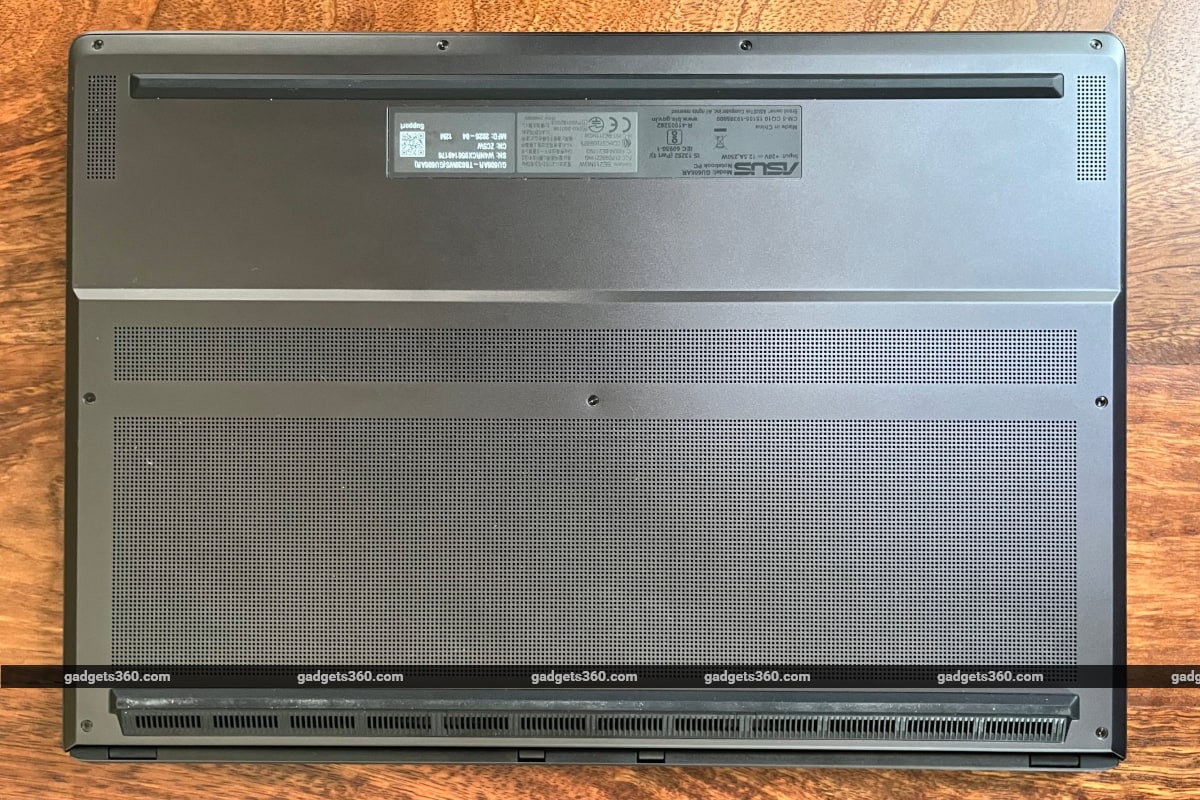
The ROG Zephyrus G16 does run hot in Turbo mode or in Manual mode maxed out. The laptop chassis has an improved heat management system, but the fans get quite loud when the GPU runs at higher TGP limits. In Silent mode, the fans turn off, and heat dissipates passively. I recommend keeping the laptop in a raised position on a stand instead of laying it flat on its rear while gaming, to keep the bottom exhaust vents unobstructed.
Asus ROG Zephyrus G16 (2026) Battery Life
- Capacity – 90Whr
- Charging – 250W AC adapter
The Panther Lake Intel CPU helps the refreshed ROG Zephyrus G16 deliver considerable gains in battery life. Asus claims the laptop offers up to 19.8 hours of video playback and up to 15.2 hours of web browsing in standard testing environments. The company also claims that the battery can be charged to up to 50 percent in just 30 minutes with the 250W adapter.
With the brightness set to 50 percent, and without lowering the screen refresh rate, I got over 9 hours of battery life on the device, lasting a whole workday where I used multiple browser tabs and everyday Windows tools and functions. This was with the laptop operating in Silent mode.
The charging brick that comes with the G16 is quite large and heavy, but the inconvenience of carrying it around is countered by the laptop’s excellent battery life. You can leave the charging adapter at home and head out with just the laptop, fully charged, without facing a battery crisis later in the day.
The ROG Zephyrus G16 also comes with a 16A M-type power plug, designed for heavy-duty appliances. I couldn’t plug it into any standard 6A wall socket at home and had to use an adapter.
The ROG Zephyrus G16 comes with a considerable price bump
Asus ROG Zephyrus G16 (2026) Verdict
Asus is celebrating 20 years of the ROG lineup in 2026, and the latest ROG Zephyrus laptops are meant to showcase the brand’s legacy over two decades. One would expect a major refresh to mark a landmark year—whether through hardware upgrades or an innovative design update. But the new ROG Zephyrus G16 does neither. The market reality is that the laptop has gone up considerably in price, even though it keeps the same GPUs as the 2025 G16. And on the design front, there’s very little that distinguishes the 2026 G16 from its predecessor.
Starting at Rs. 4,29,990, the laptop is hard to recommend, especially when the 2025 G16 is currently available for Rs. 3,59,990 on Asus’ website in India. There are, of course, some neat refinements—the brighter screen, the improved hinge, the efficiency gains—but they aren’t enough to make the new ROG Zephyrus G16 a meaningful upgrade over last year’s model.
